


|
In central warehouse
|
You will be contacted about delivery time. | Free |
|
|
|||

|
Ar kurjeru visā Latvijā
|
You will be contacted about delivery time. | |
|
|
|||

|
Piegādes punktos
|
You will be contacted about delivery time. | |
 Read more



| Type | Monitors |
| Color | Black |
| Reaction time, s | 5 |
| Resolution | 1920 × 1080 (Full HD) |
| Ekrāna diagonāle | 24 |
| Paneļa tips | IPS |
| Atsvaidzināšanas frekvence, Hz | 120 |
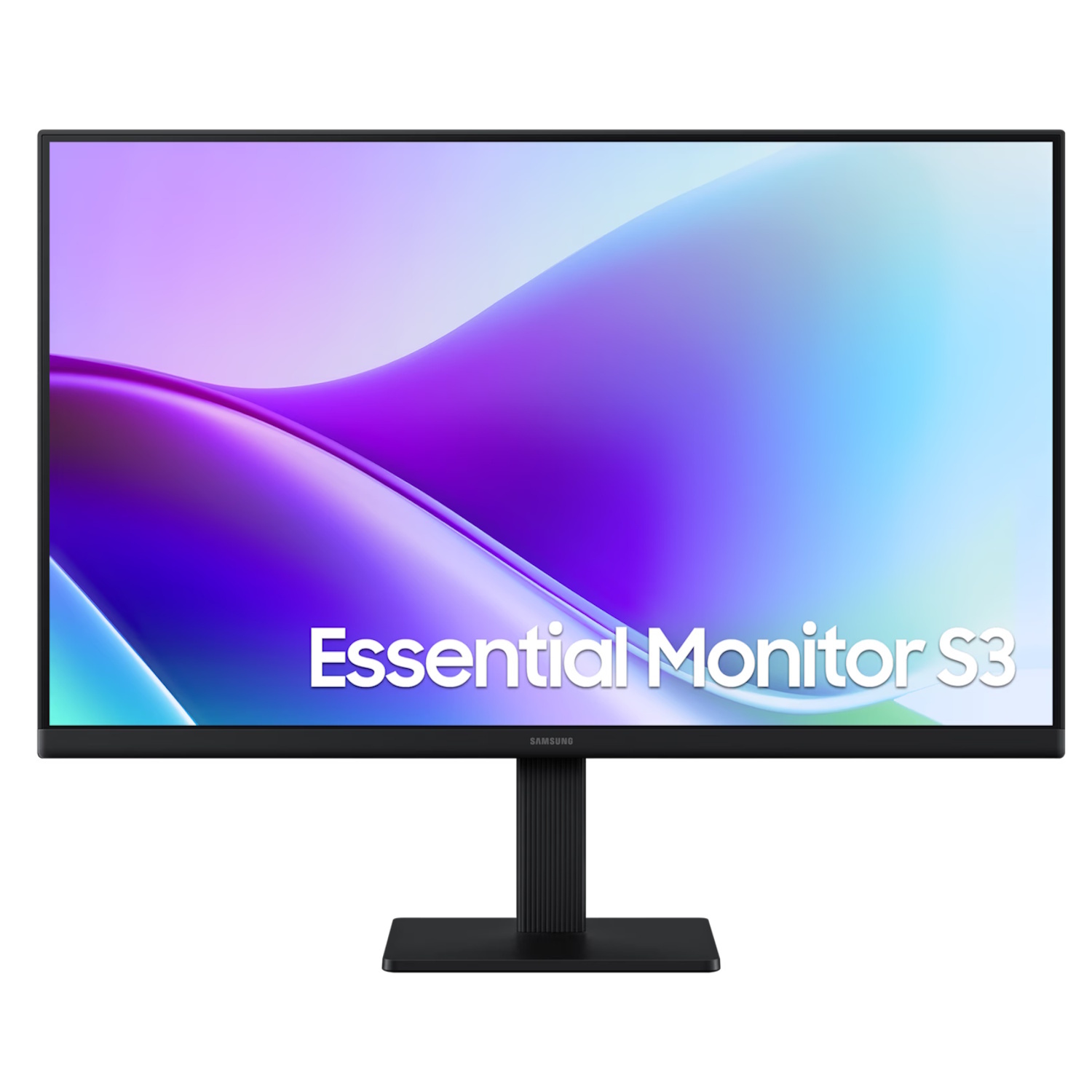
Samsung Essential S3 LS24F320GAUXEN is a 24-inch Full HD (1920 × 1080) IPS LCD monitor with a 120 Hz refresh rate and a fast 5 ms response time, delivering smoother motion and wide viewing angles. It is designed for everyday computer use, multimedia content, and productivity tasks, combining a modern visual experience with a comfortable working environment.
Key Benefits
24″ Full HD (1920 × 1080) → clear and versatile image for everyday content
IPS panel → consistent color reproduction and wide viewing angles
120 Hz refresh rate → smoother scrolling and video playback compared to 60 Hz
5 ms response time → reduced motion blur in dynamic scenes
Flicker-Free technology → more stable image without distracting flicker
Eye Saver mode → reduced blue light emission for more comfortable viewing
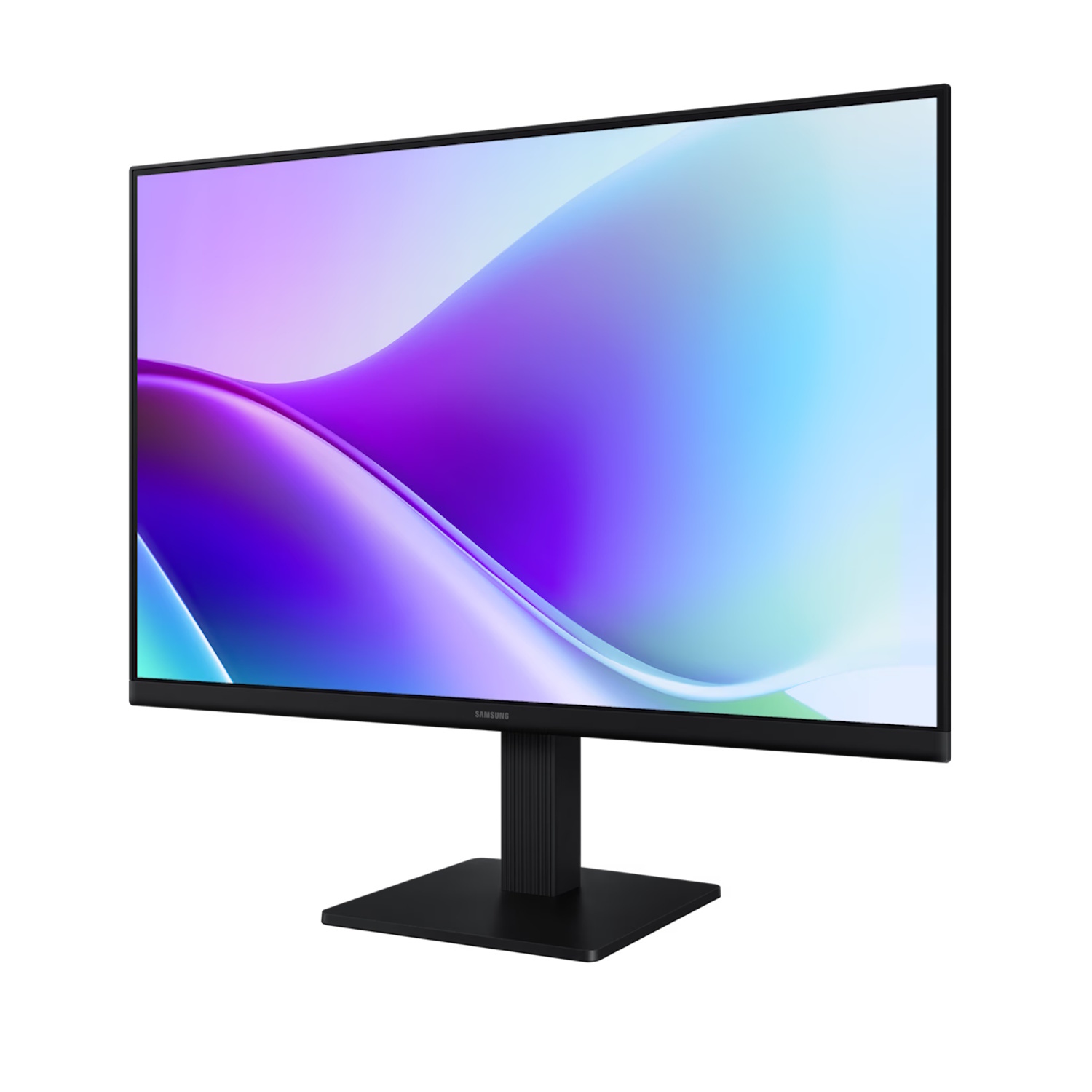
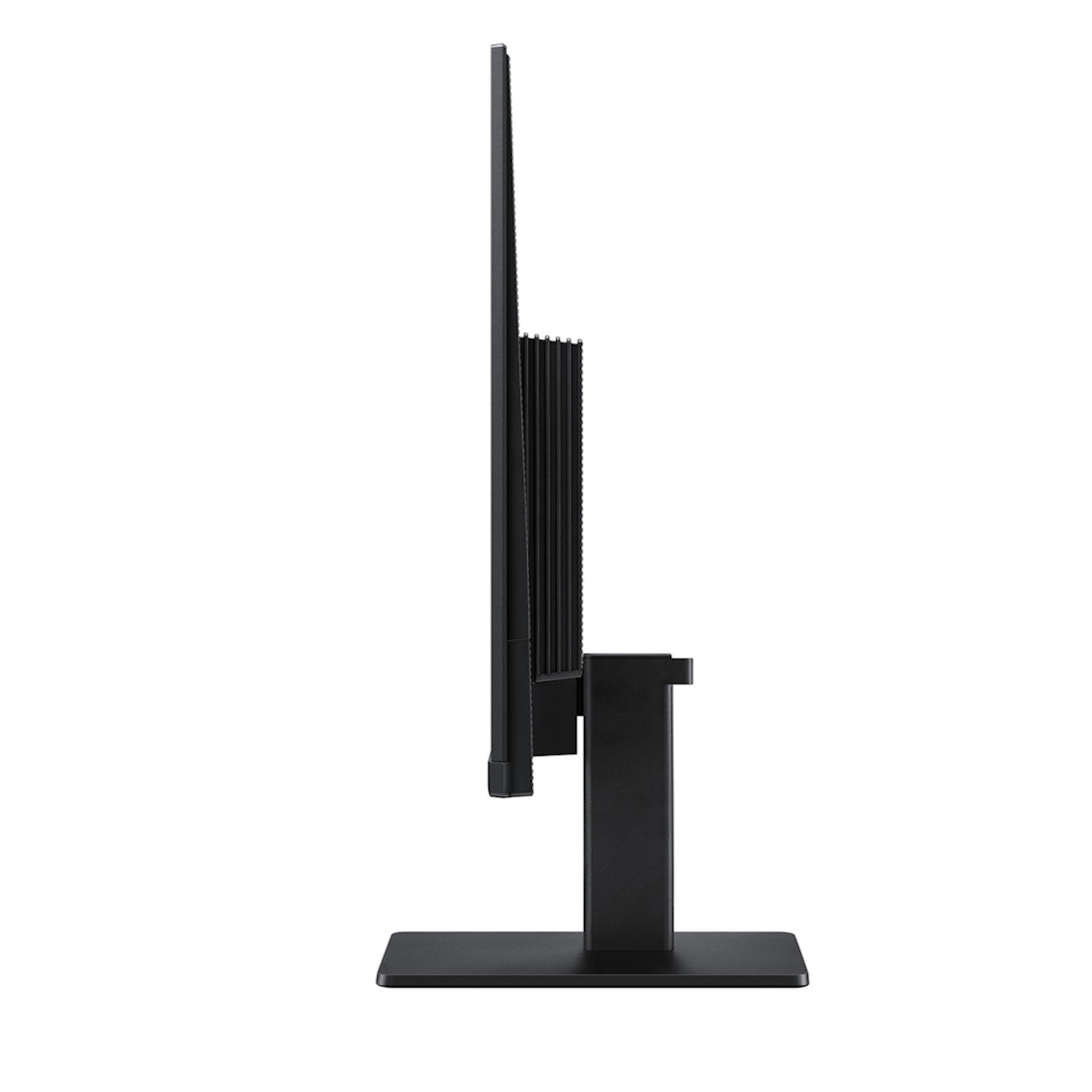
Slim design → modern and more compact look on the desk
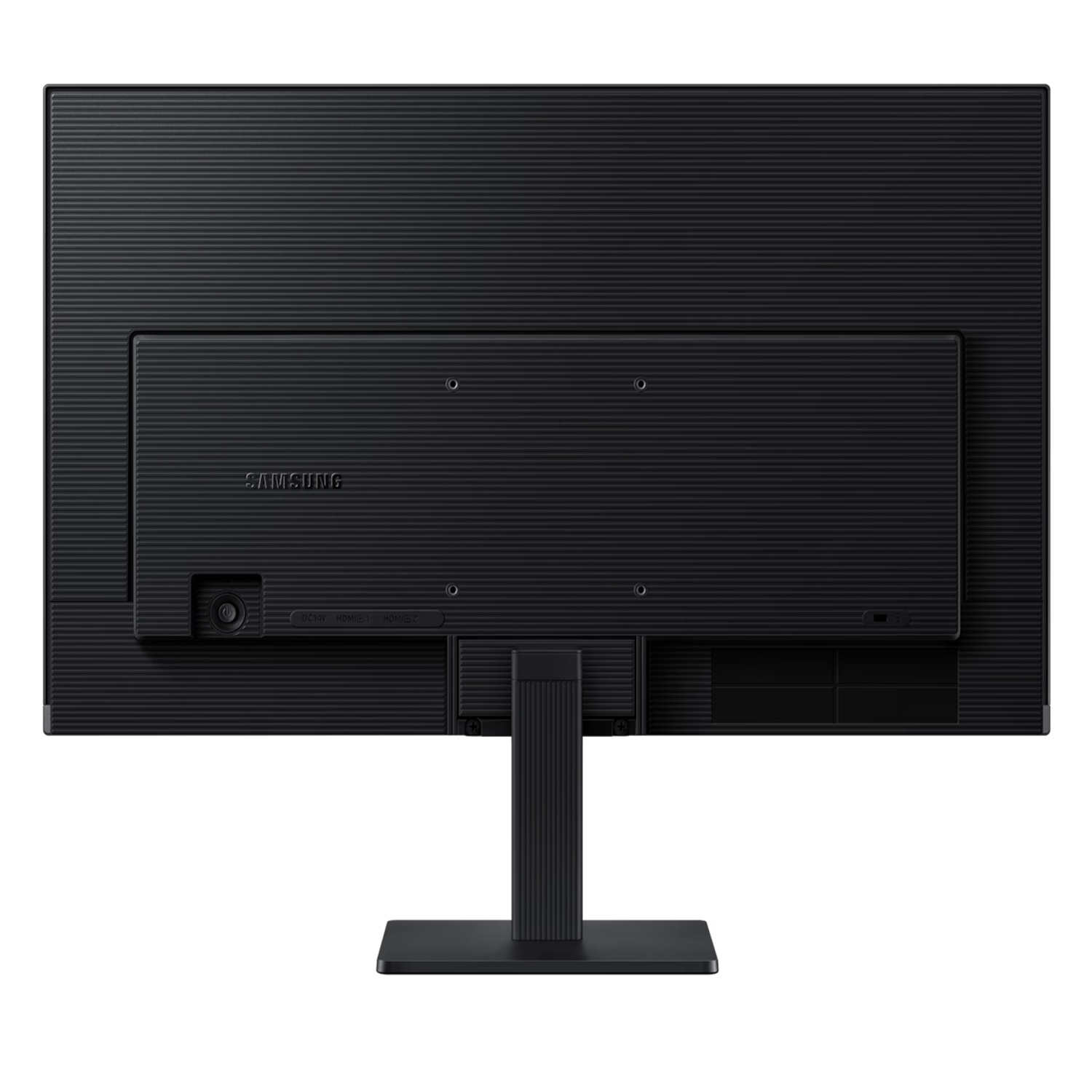
HDMI connectivity → easy connection to various devices
178°/178° viewing angles → stable image from different viewpoints
Technical Specifications
Type → LCD monitor (IPS)
Model → LS24F320GAUXEN
Screen size → 24″
Resolution → 1920 × 1080 (Full HD)
Aspect ratio → 16:9
Panel → IPS LCD
Refresh rate → 120 Hz
Response time → 5 ms (GtG)
Brightness (typ.) → 250 cd/m²
Contrast ratio → 1000:1 (static)
Viewing angles → 178°/178°
Connectivity → HDMI, VGA possible depending on region
VESA mount → 100 × 100 mm
Color → black
Compatibility
PCs and laptops with HDMI or VGA output
Consoles and multimedia sources with HDMI
Not compatible with devices that do not support Full HD output or 120 Hz mode
How to Use
Connect the monitor to a computer or other device using an HDMI cable
Select the 1920 × 1080 resolution in the operating system
Enable the 120 Hz mode in graphics settings if not activated automatically
Activate Eye Saver and Flicker-Free modes to reduce eye strain
Adjust brightness, contrast, and color settings according to personal preference
Why Choose This Product
Samsung Essential S3 24″ delivers smooth 120 Hz visuals, wide viewing angles, and stable IPS color performance, making it a versatile monitor for both everyday work and multimedia use. Eye Saver and Flicker-Free technologies provide more comfortable viewing over extended periods, while HDMI connectivity ensures easy integration with computers and gaming consoles.
Real-World Use Cases
Office work — document editing and email
Home office — video conferencing and presentations
Viewing and multimedia — video playback and streaming
Gaming sessions with lower refresh-rate requirements
Use as an additional secondary monitor for productivity
Package Contents
Samsung Essential S3 24″ monitor (LS24F320GAUXEN)
Power cable
HDMI cable (depending on package)
Stand and base
Quick installation guide
About the Brand
The Samsung Essential S3 series offers practical and user-friendly monitors that combine reliable image quality, ergonomic design, and a balanced feature set for everyday use, delivering IPS benefits and increased refresh rates at an accessible price point.