

|
In central warehouse
|
You will be contacted about delivery time. | Free |
|
|
|||

|
Ar kurjeru visā Latvijā
|
You will be contacted about delivery time. | From 3,99 EUR |
|
|
|||

|
Piegādes punktos
|
You will be contacted about delivery time. | From 2,29 EUR |
 Read more



| Size, mm | 3.1 x 3.0 x 3.0 in. (80 x 78 x 77mm) |
| Antenas | 2 |
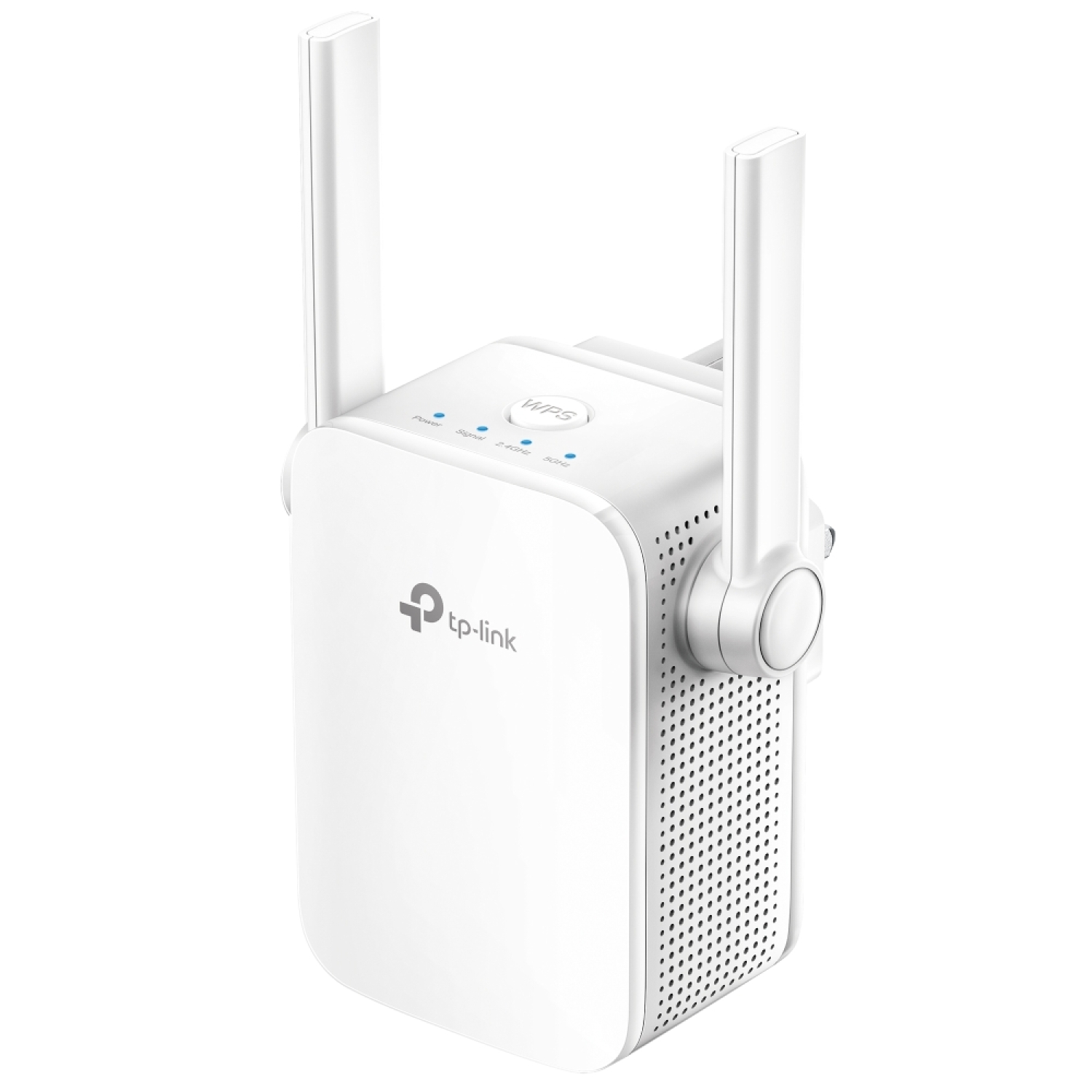
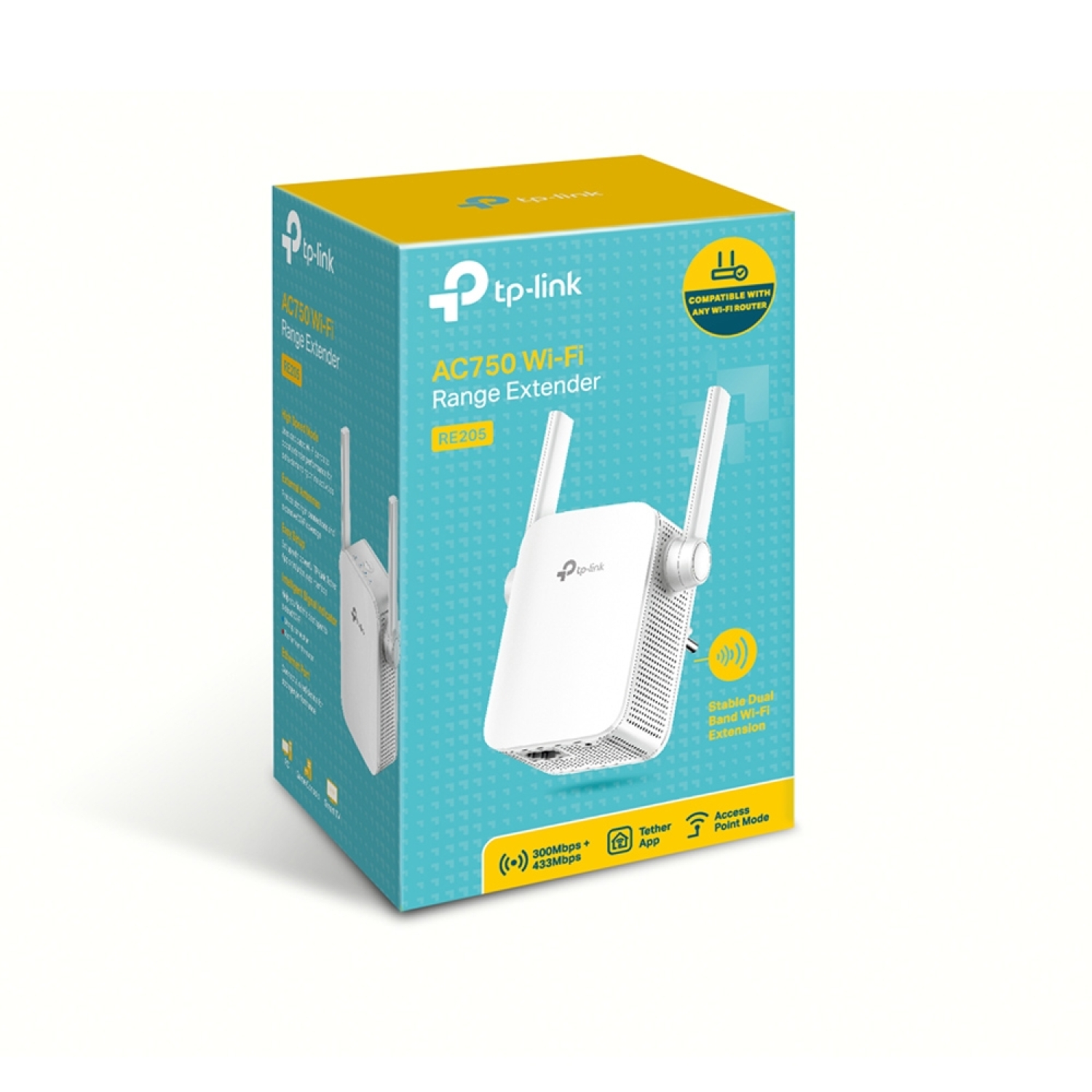
TP-Link RE205 AC750 is a compact Wi-Fi range extender/repeater designed to expand the coverage of an existing router and improve connectivity in areas with weak or no signal. It operates on both 2.4 GHz and 5 GHz bands, providing fast and stable wireless internet for everyday use.
Key Advantages
AC750 dual-band Wi-Fi → 2.4 GHz (up to 300 Mbps) + 5 GHz (up to 433 Mbps) connection for stable daily use and multimedia
Wi-Fi signal boosting → extends existing router coverage in “dead zones”
Mesh/OneMesh compatibility → works with a OneMesh-compatible router to create a seamless unified Wi-Fi network
Smart signal indicator → helps find the optimal installation location
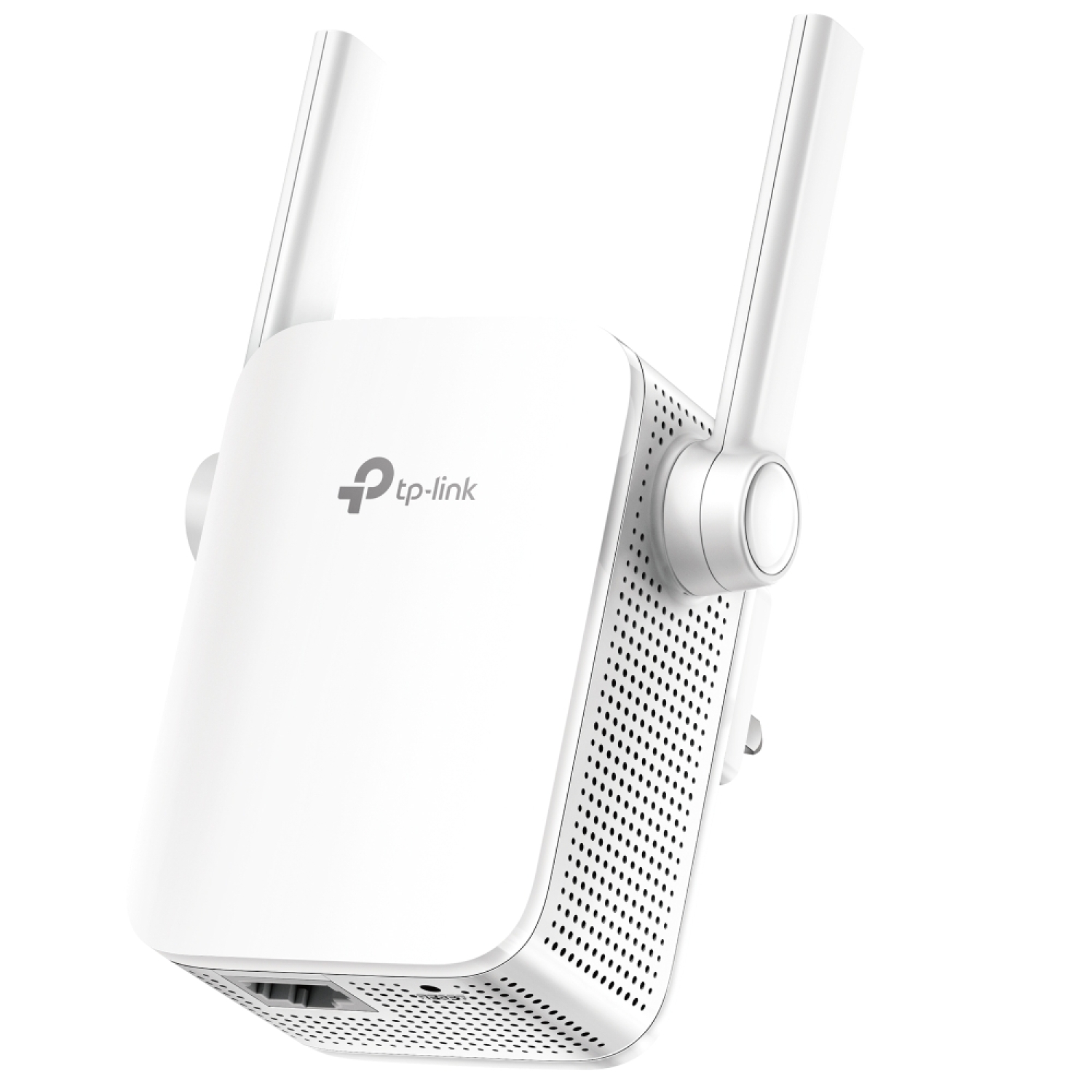
Ethernet LAN port → allows the device to be used as a wireless access point from a wired internet source
WPS button → fast and secure Wi-Fi connection with a single button press
Technical Specifications
Type → AC750 dual-band Wi-Fi range extender/repeater
Model → TP-Link RE205
Wi-Fi standards → IEEE 802.11a/b/g/n/ac
Frequency bands → 2.4 GHz and 5 GHz
Max wireless speed → 300 Mbps (2.4 GHz) + 433 Mbps (5 GHz) = up to ~750 Mbps total
Ethernet port → 1× 10/100 Mbps RJ45
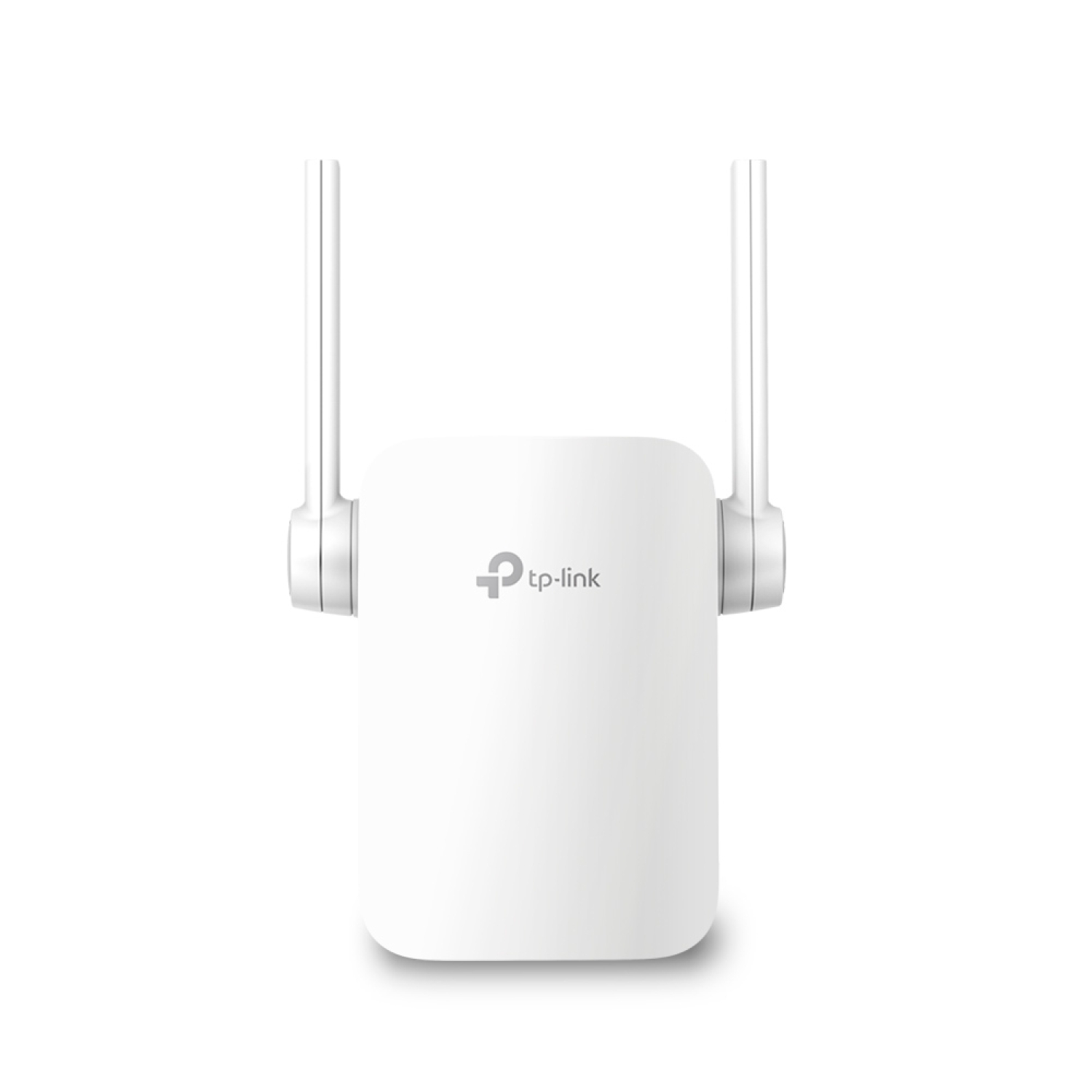
Antennas → 2× external antennas
Operating modes → Wi-Fi extender / Access Point
Security → WEP, WPA/WPA2-PSK encryption
Power → 100–240 V ~50/60 Hz, approx. 7.2–7.3 W
Dimensions → ~80 × 78 × 77 mm (compact wall-plug design)
Color → white
Compatibility
Compatible with → any Wi-Fi router or wireless access point using IEEE 802.11a/b/g/n/ac standards
Compatible with → OneMesh network when paired with a OneMesh-compatible TP-Link router
Not compatible with → devices that do not require wireless networking or use only non-Wi-Fi protocols (e.g. wired-only clients without an Ethernet adapter)
How to Use
Plug the RE205 into a power outlet and place it where the existing Wi-Fi signal is still relatively strong
Press the WPS button on the router and the RE205 to connect quickly, or use the TP-Link Tether app for configuration
Choose the optimal location based on the signal indicator light (blue = good, red = too far)
(Optional) connect an Ethernet cable to the RE205 LAN port to create a wireless access point from a wired source
Why Choose This Product
TP-Link RE205 provides a simple and practical solution for improving Wi-Fi coverage in areas with weak or unavailable signal by combining dual-band connectivity, compact design, and intuitive setup. Mesh compatibility and Ethernet access point mode make it flexible for various network scenarios while maintaining ease of installation and affordability.
Real-Life Usage Scenarios
In an apartment corner or bedroom with weaker Wi-Fi signal
On a balcony or terrace with limited wireless coverage
At small office workstations to improve Wi-Fi connectivity
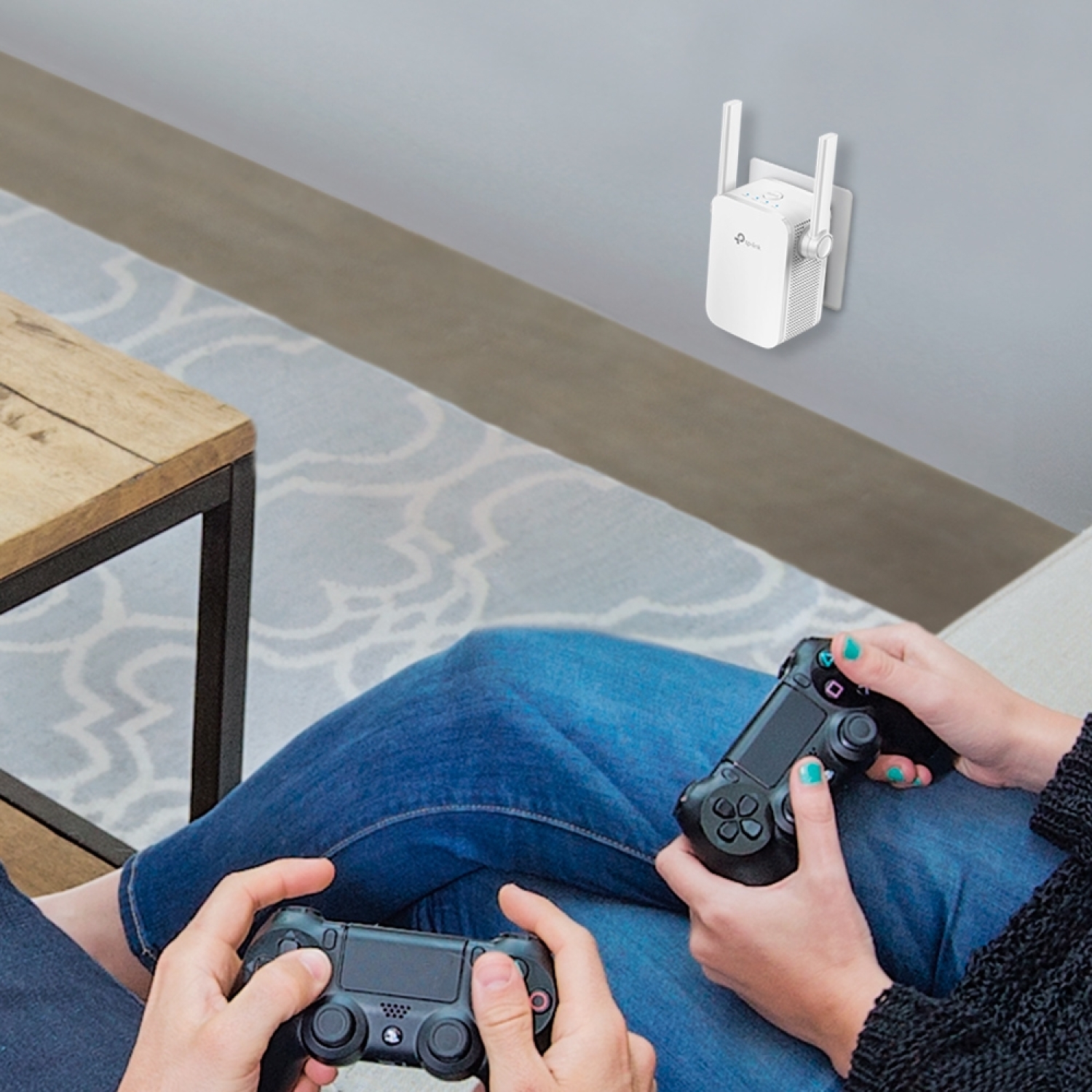
Streaming or online gaming areas with better 5 GHz performance
Extending guest Wi-Fi without adding an extra router
Package Contents
TP-Link RE205 AC750 Mesh Wi-Fi range extender
Quick installation guide
About the Brand
TP-Link is a global networking technology manufacturer specializing in wireless networking solutions and range extenders, delivering simple setup, broad compatibility, and stable performance for homes and small workplaces.