

|
In central warehouse
|
You will be contacted about delivery time. | Free |
|
|
|||

|
Ar kurjeru visā Latvijā
|
You will be contacted about delivery time. | |
|
|
|||

|
Piegādes punktos
|
You will be contacted about delivery time. | |
 Read more



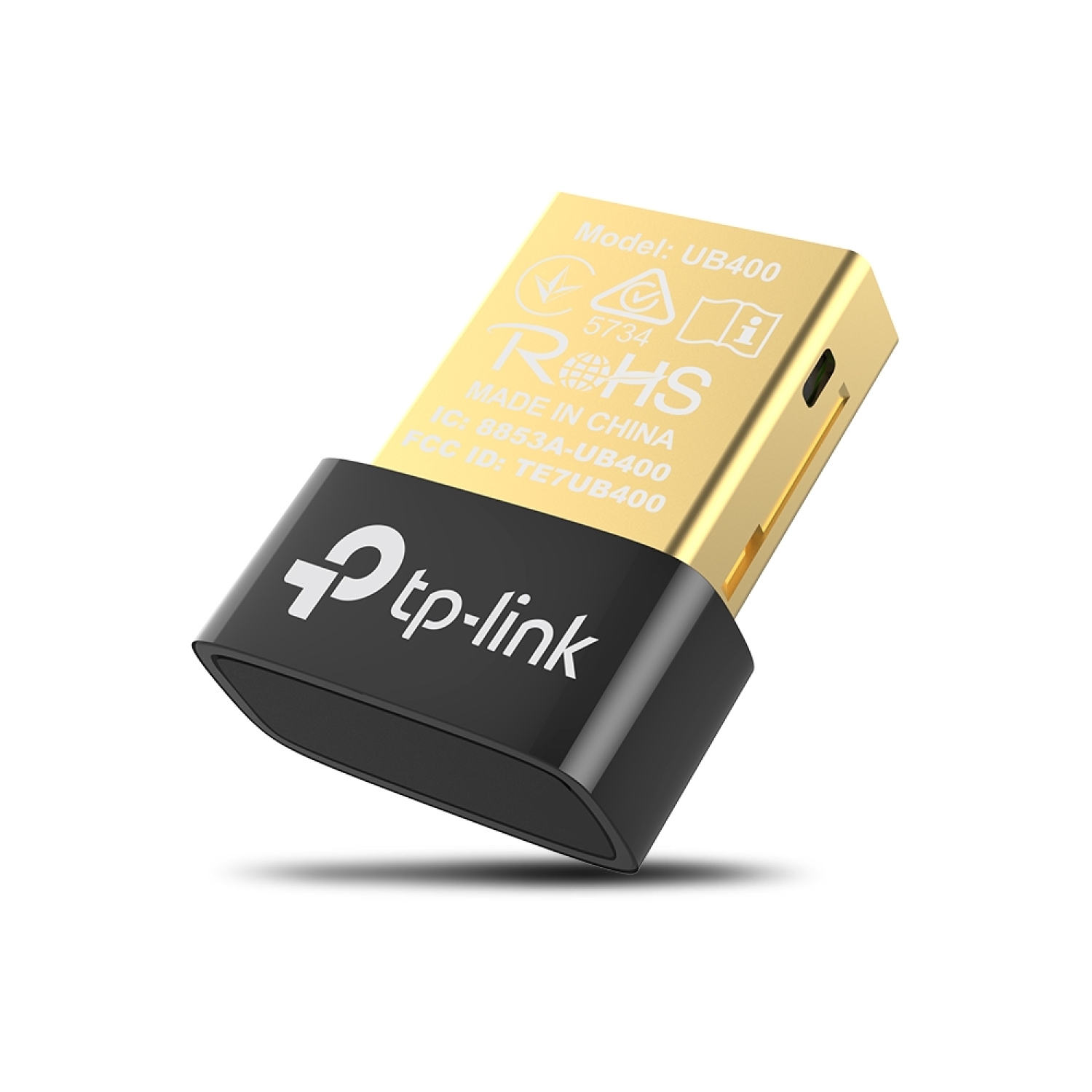
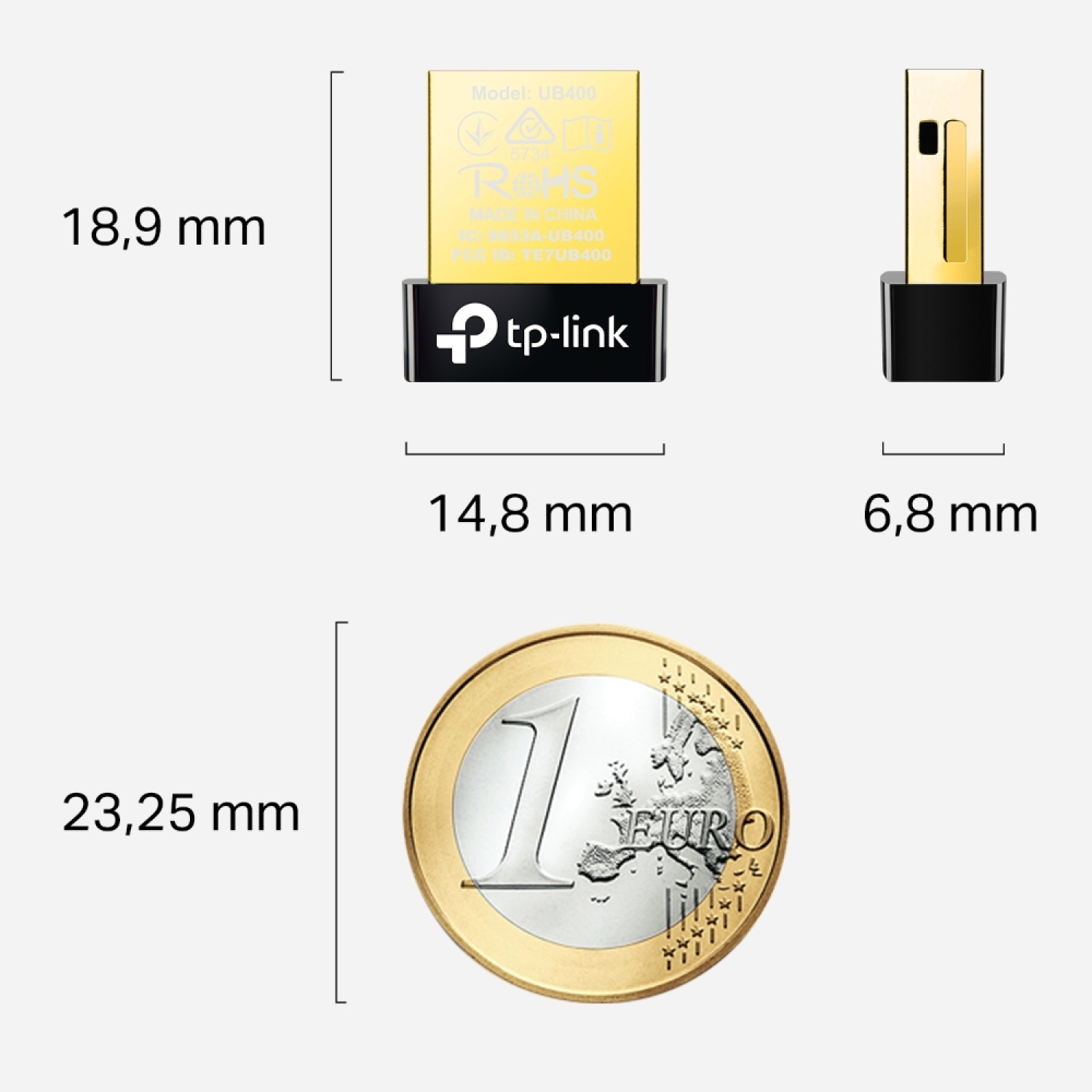
| Size, mm | 0.58 × 0.27 × 0.74 in (14.8 × 6.8 × 18.9 mm) |
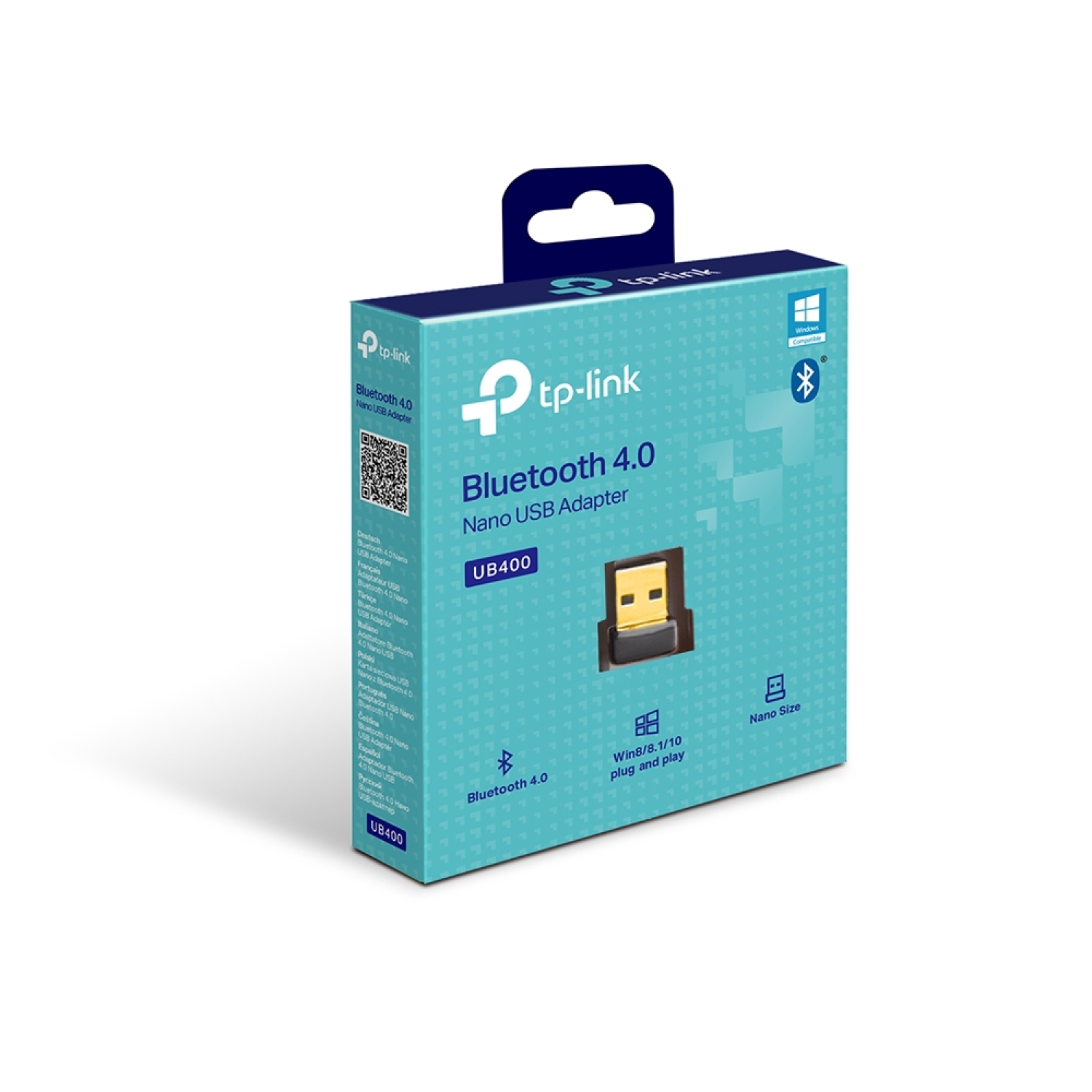
TP-Link UB400 is a Bluetooth 4.0 Nano USB adapter with a USB 2.0 interface that allows easy connection of Bluetooth headphones, mice, keyboards, and other devices to a computer, while maintaining an ultra-compact form factor that barely protrudes from the USB port.
Key Advantages
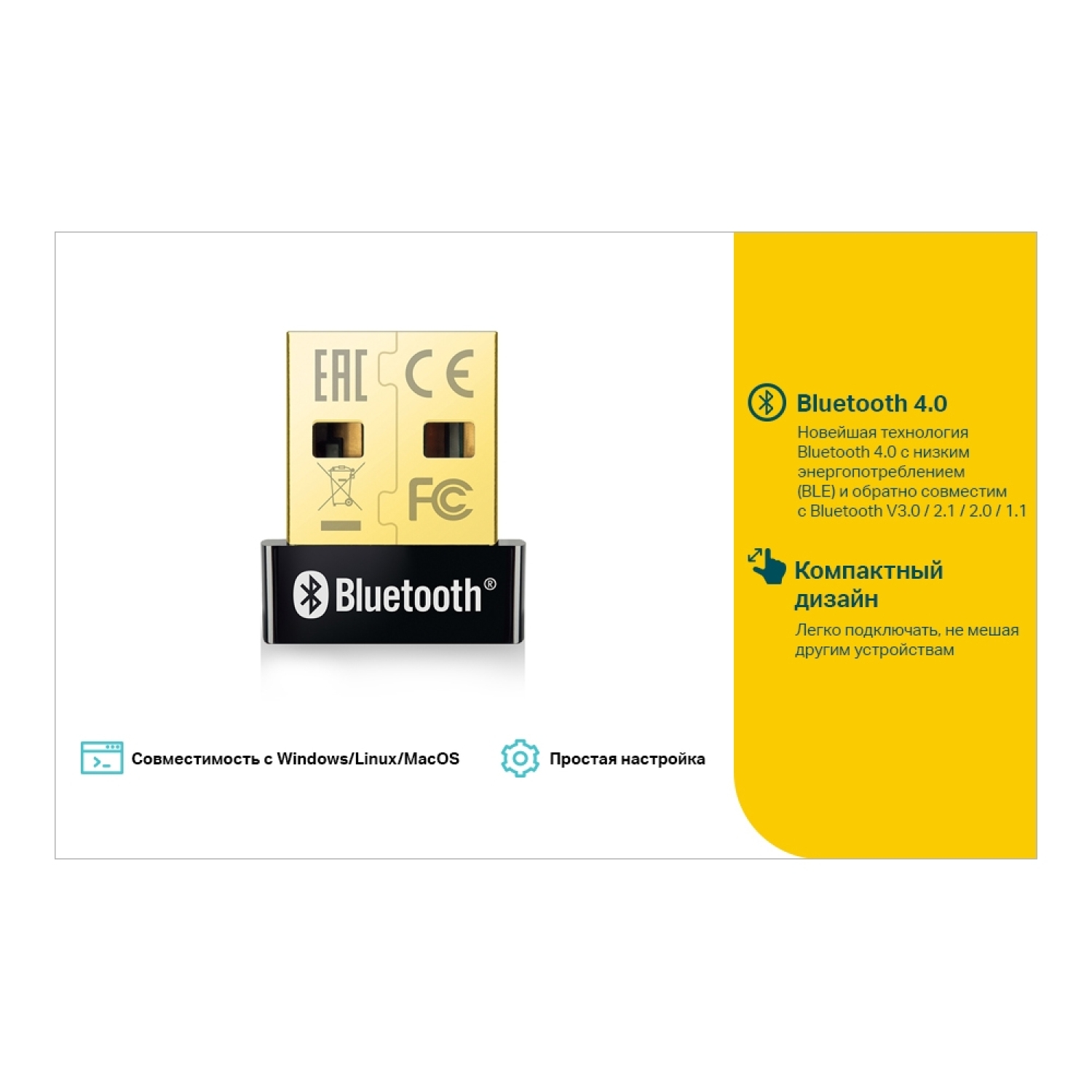
Bluetooth 4.0 technology → efficient wireless connection with low power consumption and improved stability
Backward compatibility → works with Bluetooth 3.0/2.1/2.0/1.1 devices
USB 2.0 interface → simple connection to any USB port without special adapters
Nano size → discreet and compact adapter that remains almost permanently in the USB port
Plug-and-play configuration → minimal setup required for operation (Windows 8/8.1/10 automatically)
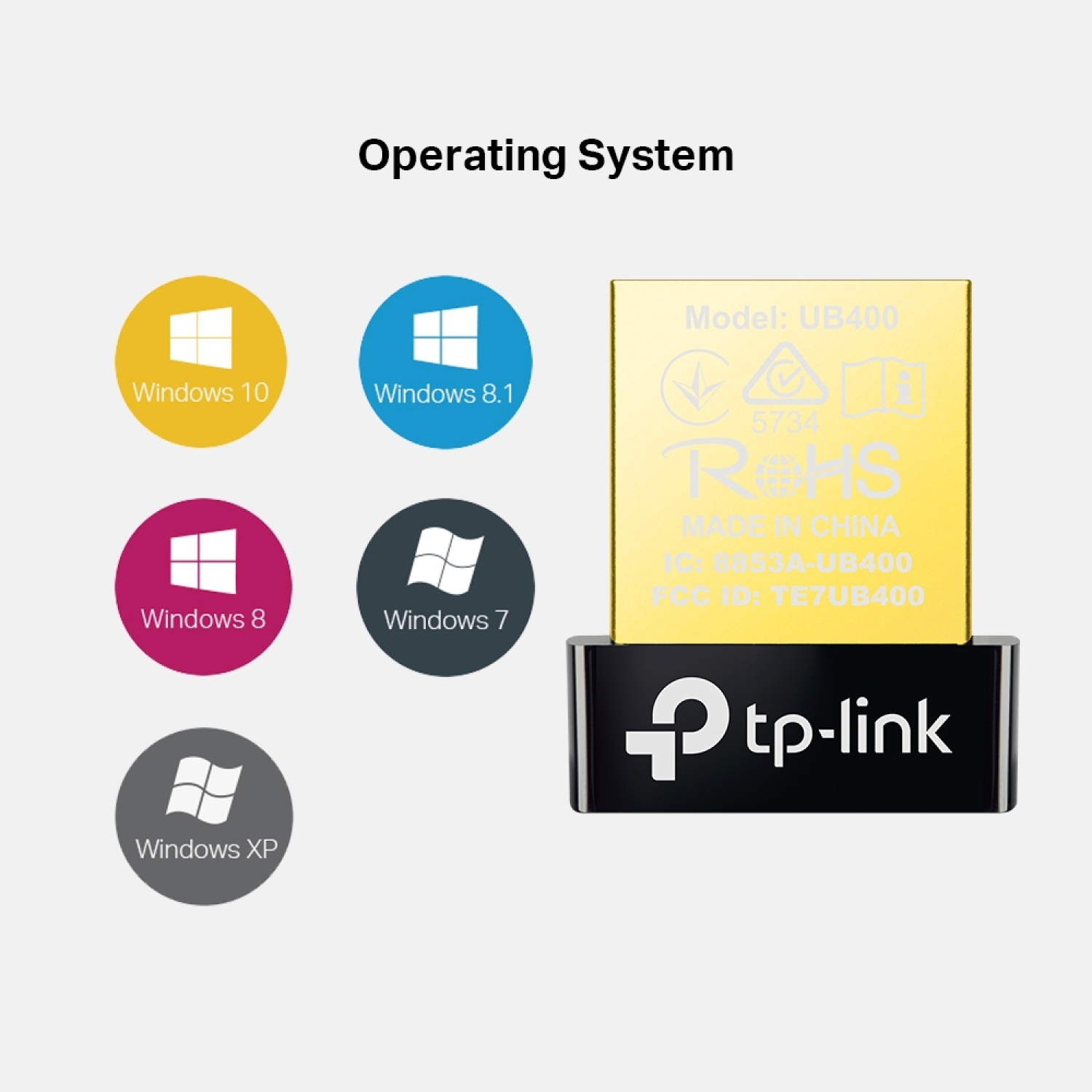
Wide OS support → compatible with Windows 11/10/8.1/8/7/XP
Stable transmission range → Bluetooth connection operates reliably at a good distance from the computer
Low power consumption → reduced battery usage on laptops
Technical Specifications
Type → Bluetooth Nano USB adapter
Model → TP-Link UB400
Bluetooth version → Bluetooth 4.0 with Low Energy (BLE)
Interface → USB 2.0 Type-A
Frequency → 2.4 GHz Bluetooth
Max. number of devices → multiple Bluetooth devices (depending on OS)
Dimensions (W×D×H) → 0.58 × 0.27 × 0.74 inches (14.8 × 6.8 × 18.9 mm)
Color → black
Operating temperature → 0 °C to 40 °C
Safety certifications → FCC, CE, RoHS
System requirements → Windows 11/10/8.1/8/7/XP
Compatibility
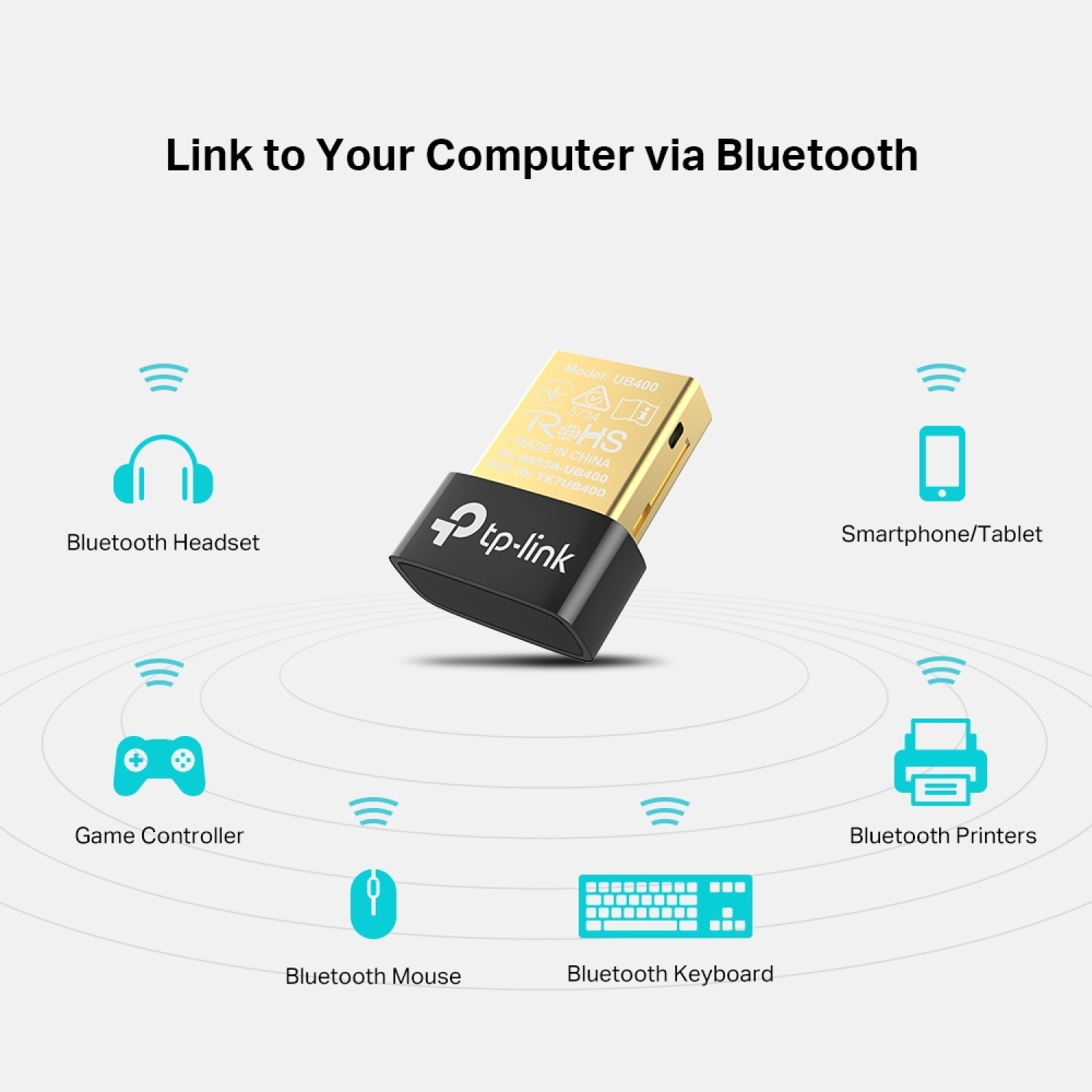
Compatible with → Bluetooth-enabled devices: headphones, mice, keyboards, speakers, game controllers, etc.
Compatible with → Windows desktop and laptop computers with a USB port
Not compatible with → devices without a USB port or without Bluetooth support
How to Use
Connect the UB400 to a USB port on a computer or laptop
Install drivers if they are not installed automatically (Windows 7/XP)
Turn on the Bluetooth device you want to connect
Select the device in Bluetooth settings and connect via the OS panel
Manage the connection through the operating system Bluetooth settings menu
Why Choose This Product
TP-Link UB400 is a simple and effective solution for adding Bluetooth functionality to a computer, providing stable wireless connectivity, low power consumption, and broad device support in a compact nano format. It is suitable for systems without built-in Bluetooth as well as for improving connection reliability in everyday use.
Real-World Usage Scenarios
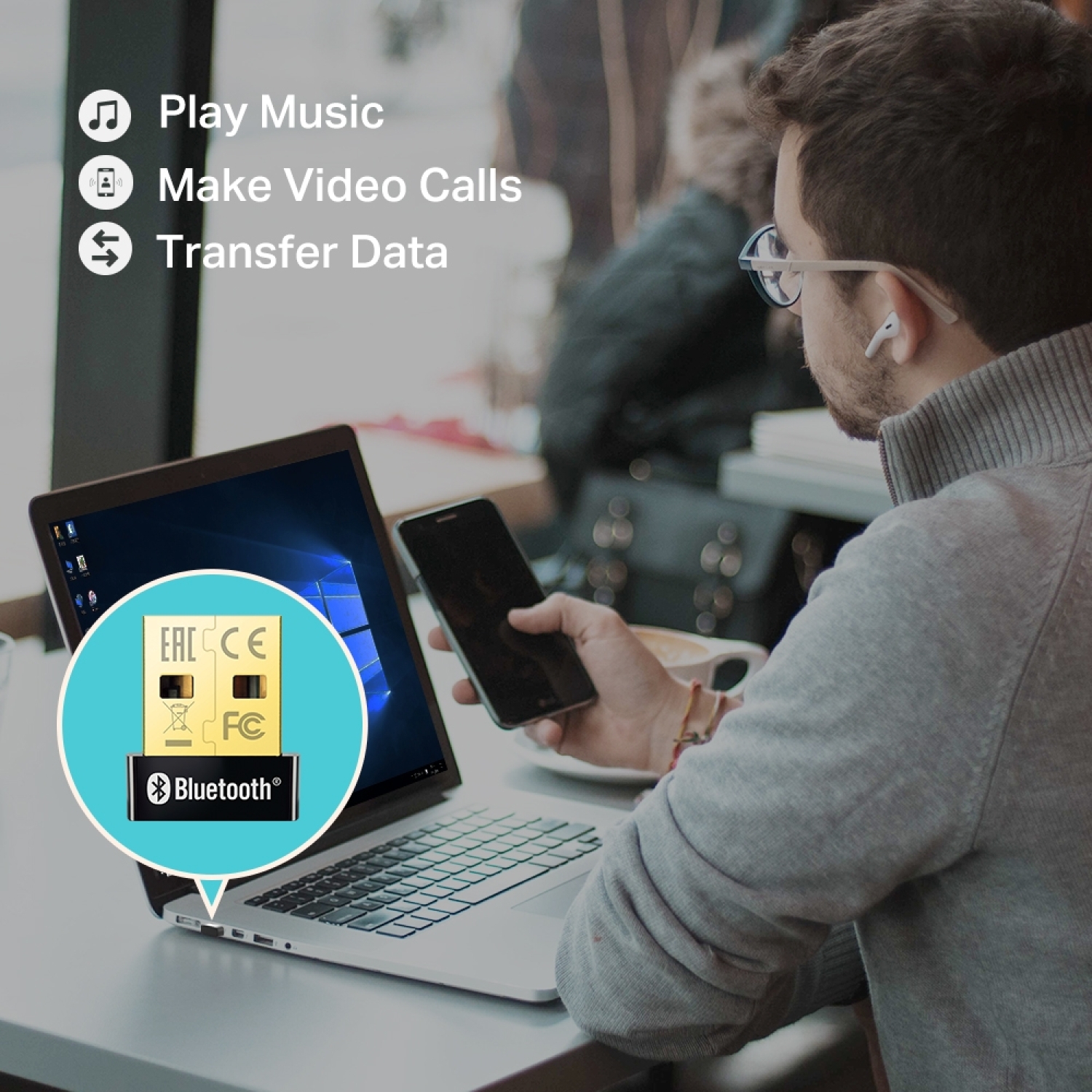
Connecting Bluetooth headphones to a computer for wireless audio streaming
Connecting a wireless keyboard and mouse to a desktop or laptop
Connecting game controllers in Bluetooth mode
Transferring files from a computer to Bluetooth devices
Connecting Bluetooth speakers for multimedia playback
Package Contents
TP-Link UB400 Bluetooth 4.0 Nano USB Adapter
Quick installation guide
About the Brand
TP-Link is a global manufacturer of networking and wireless connectivity technologies, specializing in reliable, user-friendly adapters and network peripheral solutions, combining modern technology with broad compatibility for home and office environments.