

|
In central warehouse
|
You will be contacted about delivery time. | Free |
|
|
|||

|
Ar kurjeru visā Latvijā
|
You will be contacted about delivery time. | |
|
|
|||

|
Piegādes punktos
|
You will be contacted about delivery time. | |
 Read more



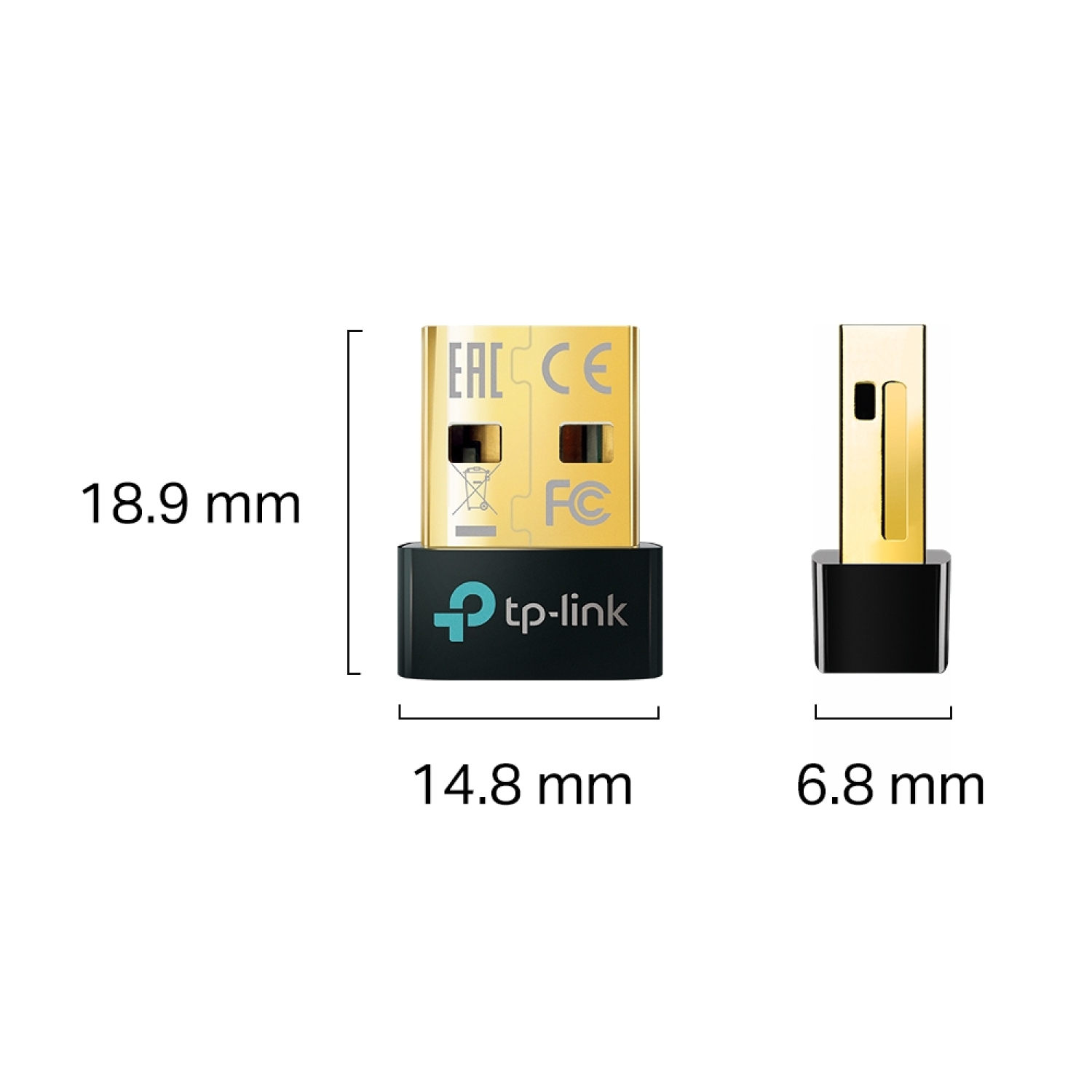
| Size, mm | 0.58 × 0.27 × 0.74 in (14.8 × 6.8 × 18.9 mm) |
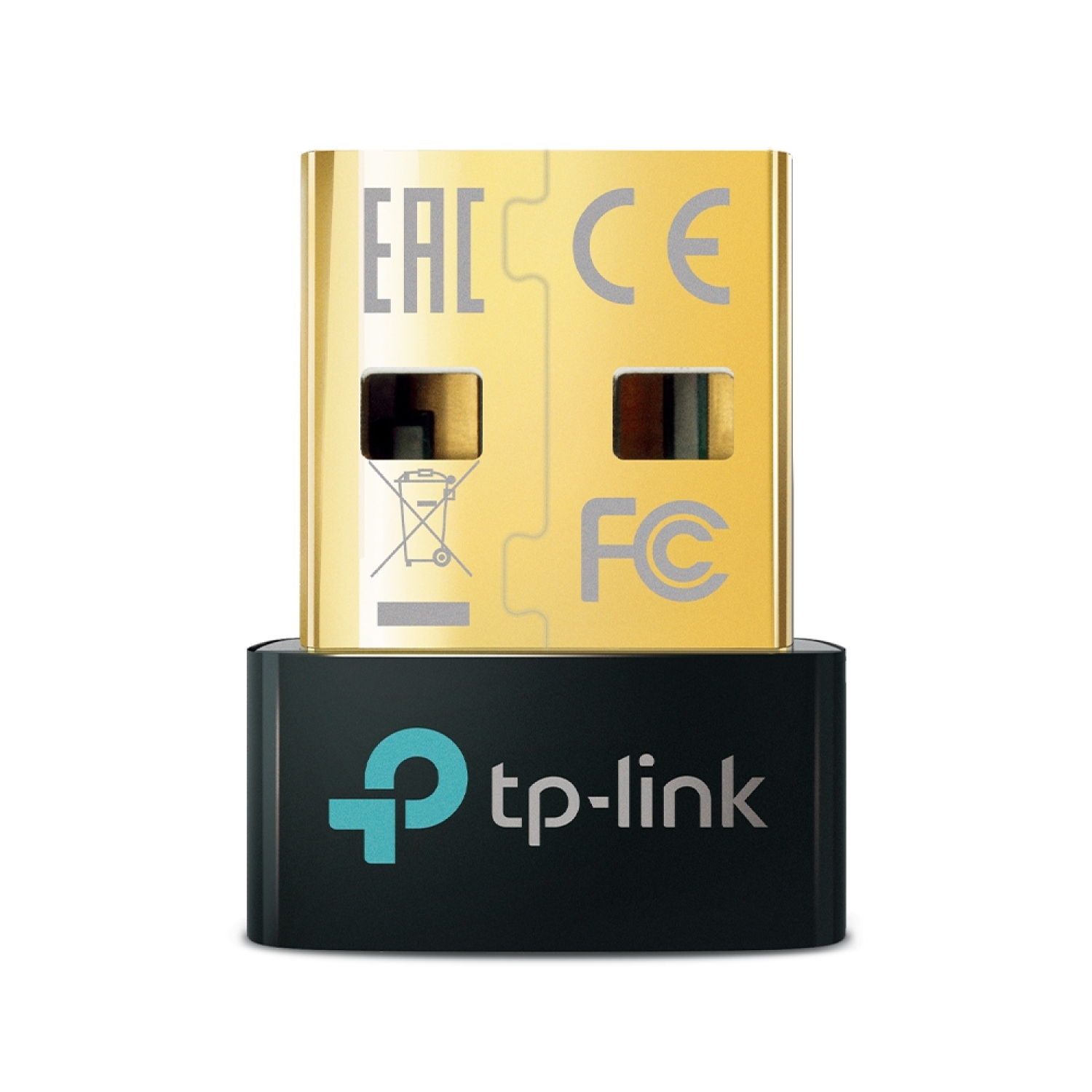
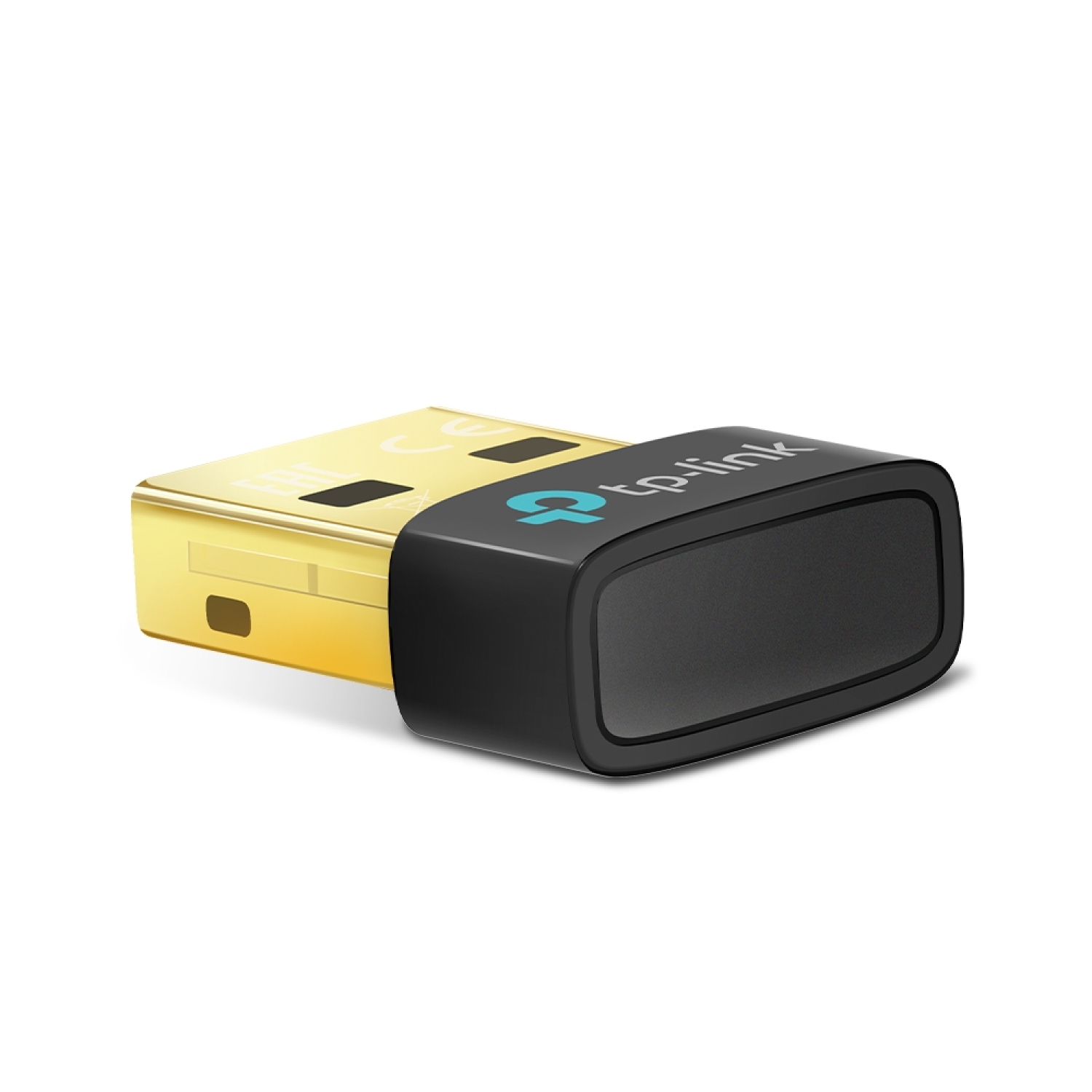
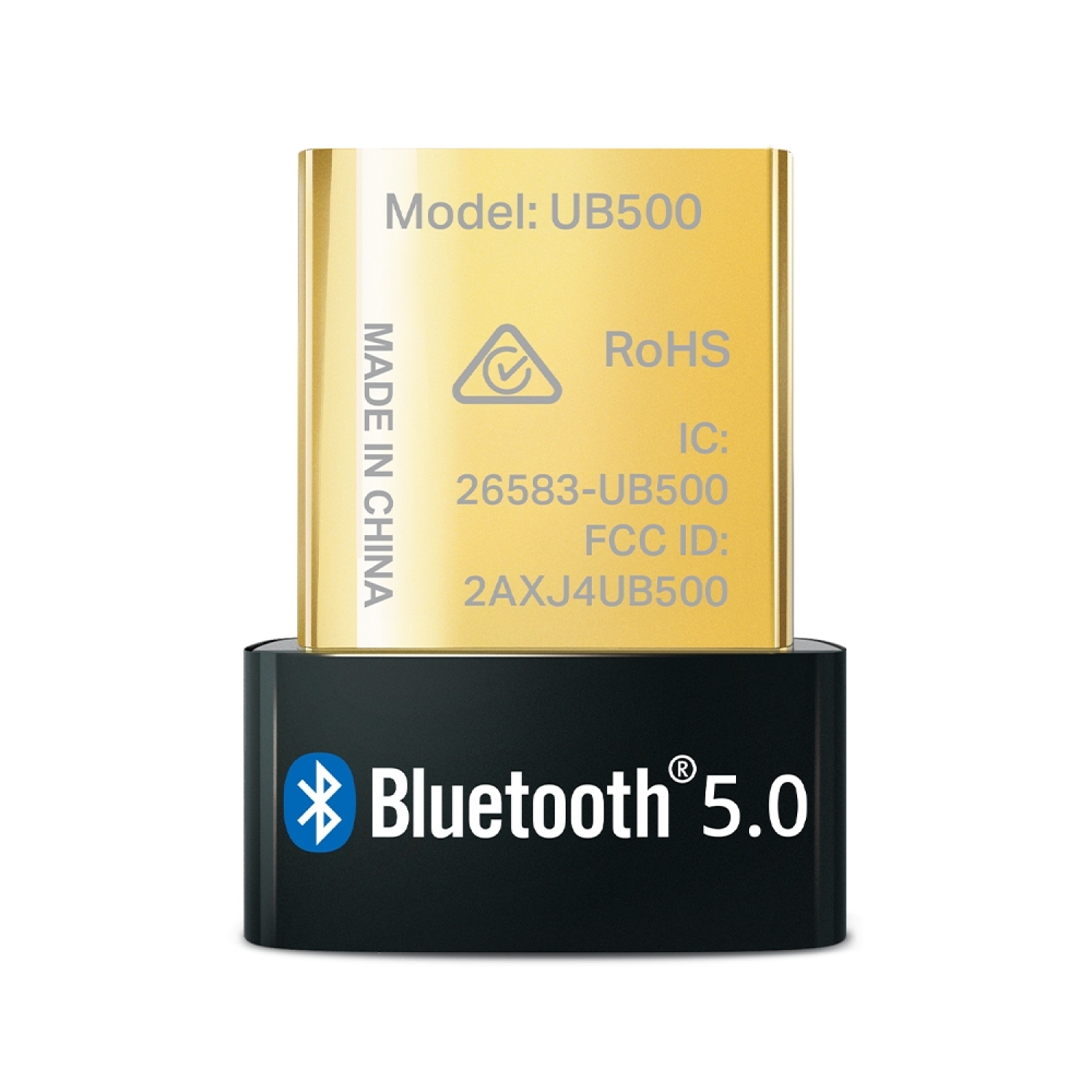
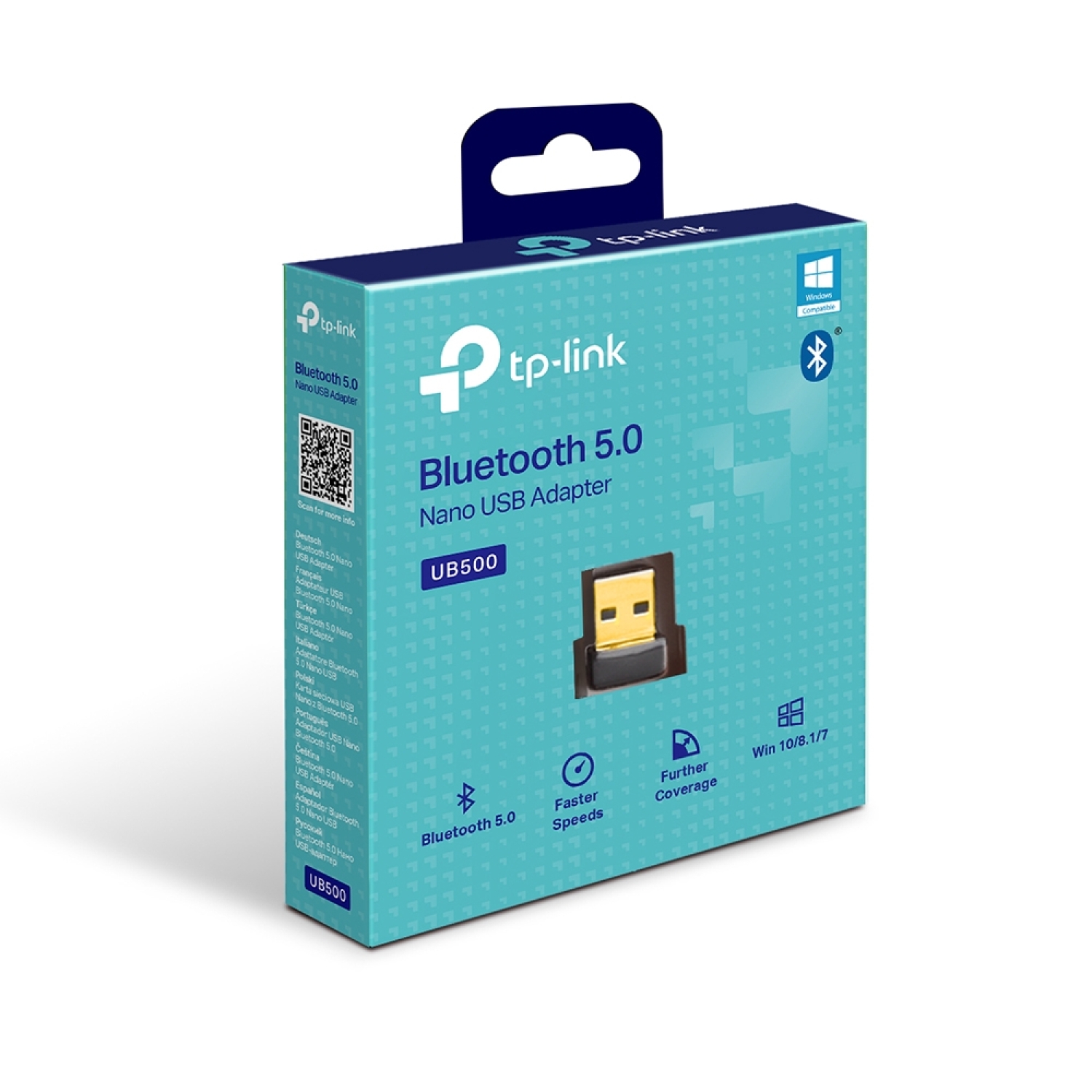
TP-Link UB500 is a Bluetooth 5.0 Nano USB adapter with a USB 2.0 interface and an especially small form factor, connecting Bluetooth headphones, speakers, keyboards, mice, and other Bluetooth devices to a computer without a built-in Bluetooth module. Bluetooth 5.0 technology provides faster pairing and a wider coverage range than older Bluetooth versions.
Key Advantages
Bluetooth 5.0 technology → more stable and faster wireless connection compared to Bluetooth 4.x
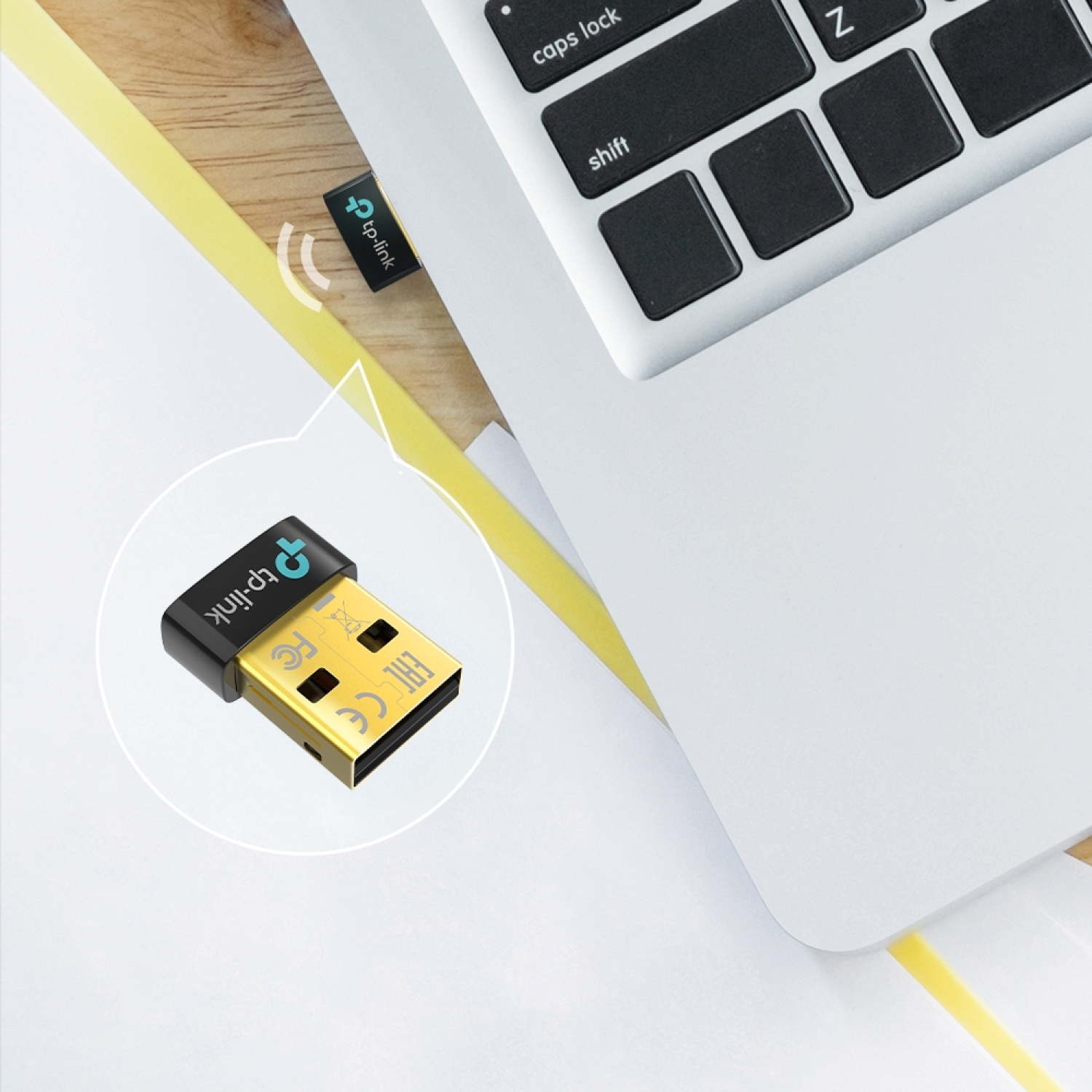
Nano size → ultra-compact design that virtually does not protrude from the USB port
USB 2.0 interface → easy connection to any USB port
Supports up to 7 Bluetooth devices simultaneously → more flexible wireless peripheral connectivity
Wide compatibility → works with various Bluetooth devices (headphones, keyboards, mice, speakers, etc.)
Energy-efficient connection → lower power consumption, longer laptop battery life
Plug-and-play configuration → quick and convenient use without complex setup
Backward compatible → works with Bluetooth 4.x/3.0/2.1/2.0/1.1 devices
Technical Specifications
Type → Bluetooth Nano USB adapter
Model → TP-Link UB500
Bluetooth version → Bluetooth 5.0
Interface → USB 2.0 Type-A
Frequency → 2.4 GHz Bluetooth (Bluetooth protocol)
Max. number of connections → up to 7 Bluetooth devices (depending on OS and device)
Dimensions → 0.58 × 0.27 × 0.74 inches (14.8 × 6.8 × 18.9 mm)
Color → black
Power supply → via USB port
Supported OS → Windows 11/10/8.1/7 (a driver may be required for some OS)
Compatibility
Compatible with → devices that support Bluetooth 5.0 and older Bluetooth versions (Bluetooth headphones, speakers, keyboards, mice, game controllers)
Compatible with → Windows 11/10/8.1/7 (a driver may be required in some cases on Windows systems)
Not compatible with → devices without a USB port or other operating systems without available drivers
How to Use
Connect the UB500 to a USB port on a computer or laptop
Install drivers if Windows does not install them automatically (available on the TP-Link support page)
Turn on the Bluetooth device you want to connect (headphones, mouse, etc.)
Select the device in Bluetooth settings and pair it from the computer
Manage the connection via the operating system Bluetooth panel
Why Choose This Product
TP-Link UB500 is a simple, practical, and effective way to add or improve Bluetooth connectivity on a computer, providing a stable signal, broad device compatibility, and modern Bluetooth 5.0 technology in a compact format. It is an ideal solution for older computers without built-in Bluetooth as well as for any laptop where Bluetooth functionality is needed for everyday use—from audio streaming to wireless peripherals.
Real-World Usage Scenarios
Connecting Bluetooth headphones and speakers to a computer for wireless audio streaming
Connecting a wireless mouse and keyboard to a desktop computer or laptop
Connecting game consoles and Bluetooth controllers
File transfer between a computer and Bluetooth devices (supported OS)
Expanding Bluetooth connectivity for older computers without built-in Bluetooth support
Package Contents
TP-Link UB500 Bluetooth 5.0 Nano USB Adapter
Quick installation guide
About the Brand
TP-Link is a global networking technology manufacturer offering reliable, user-friendly connectivity solutions, including Bluetooth adapters and wireless communication products, combining modern technology, broad compatibility, and stable performance for home and office environments.