

|
In central warehouse
|
You will be contacted about delivery time. | Free |
|
|
|||

|
Ar kurjeru visā Latvijā
|
You will be contacted about delivery time. | From 3,99 EUR |
|
|
|||

|
Piegādes punktos
|
You will be contacted about delivery time. | From 2,29 EUR |
 Read more



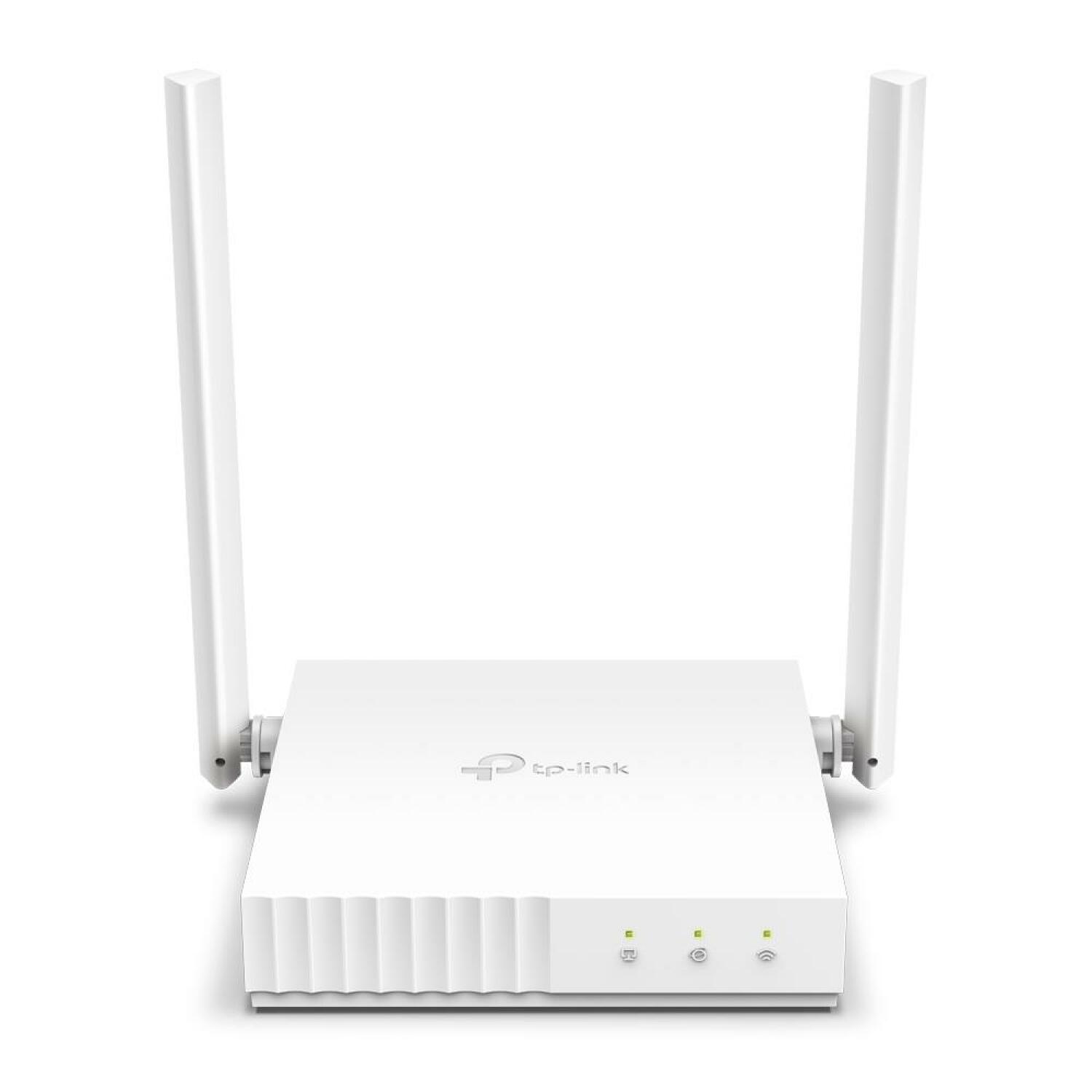
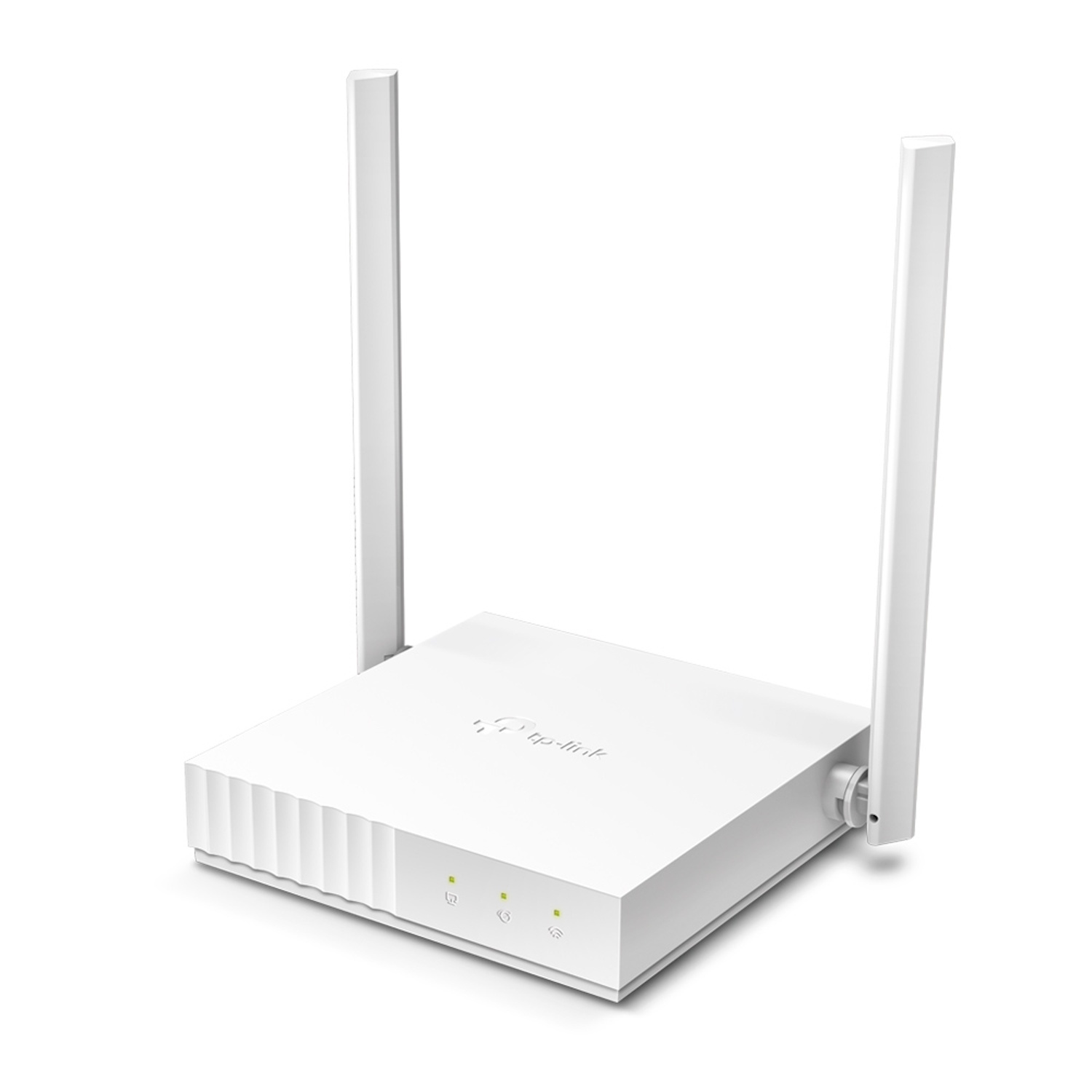
| Color | White |
| Antenas | 2 |
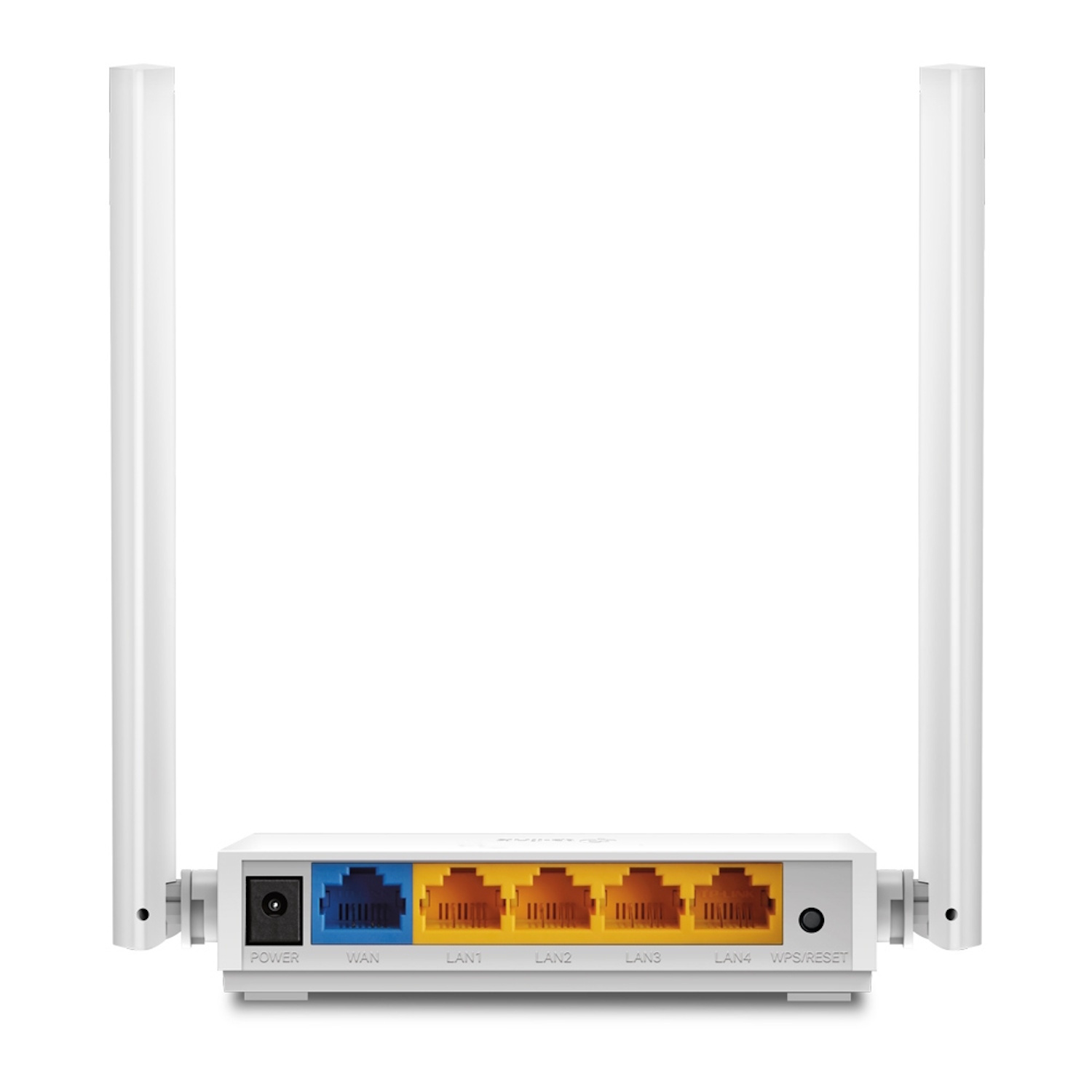
| WAN ports | 1 × 10/100 Mbps |
| LAN porti | 4 |
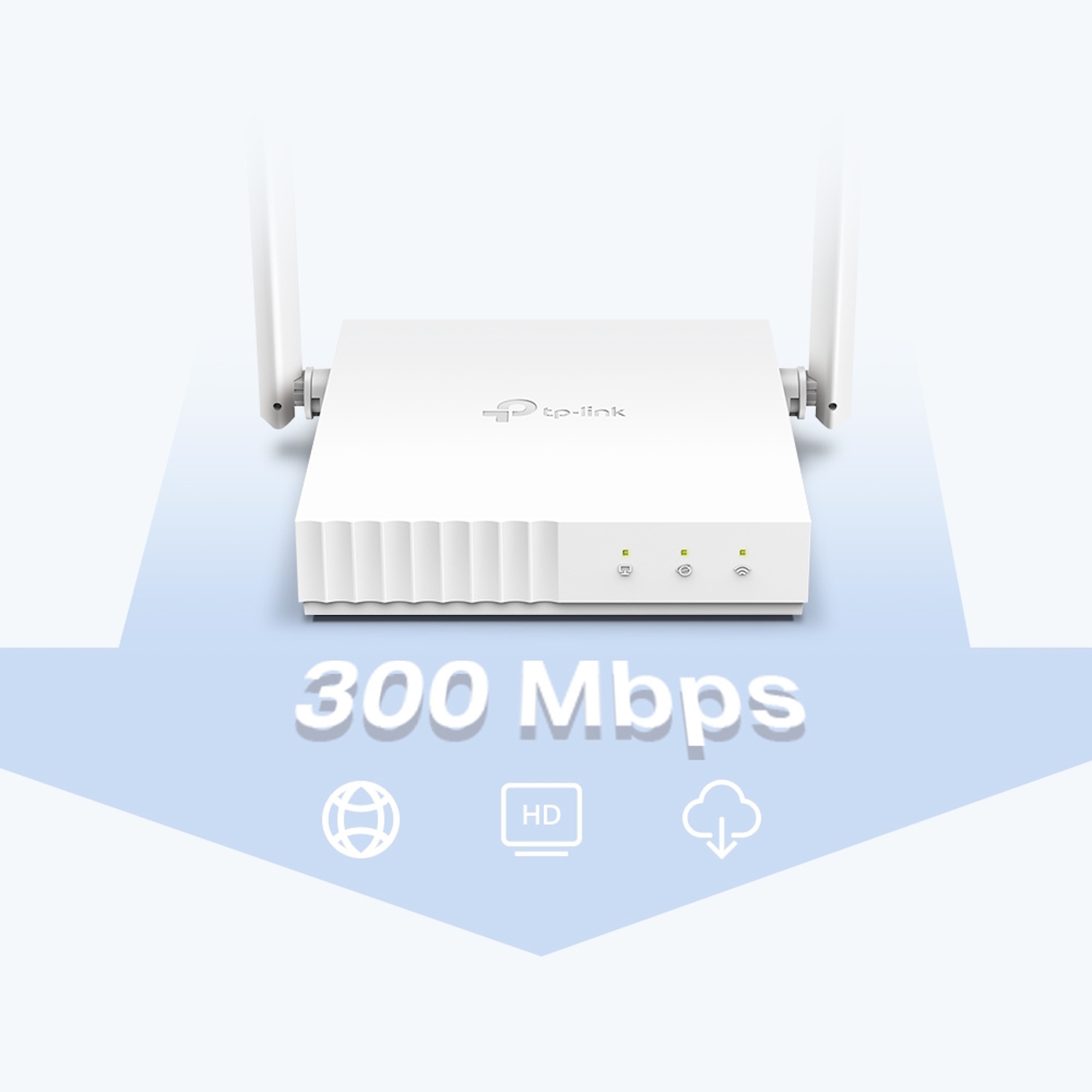
| Maksimālais bezvadu ātrums, Mbps | 300 |
| Protokols | IPv4; IPv6 |
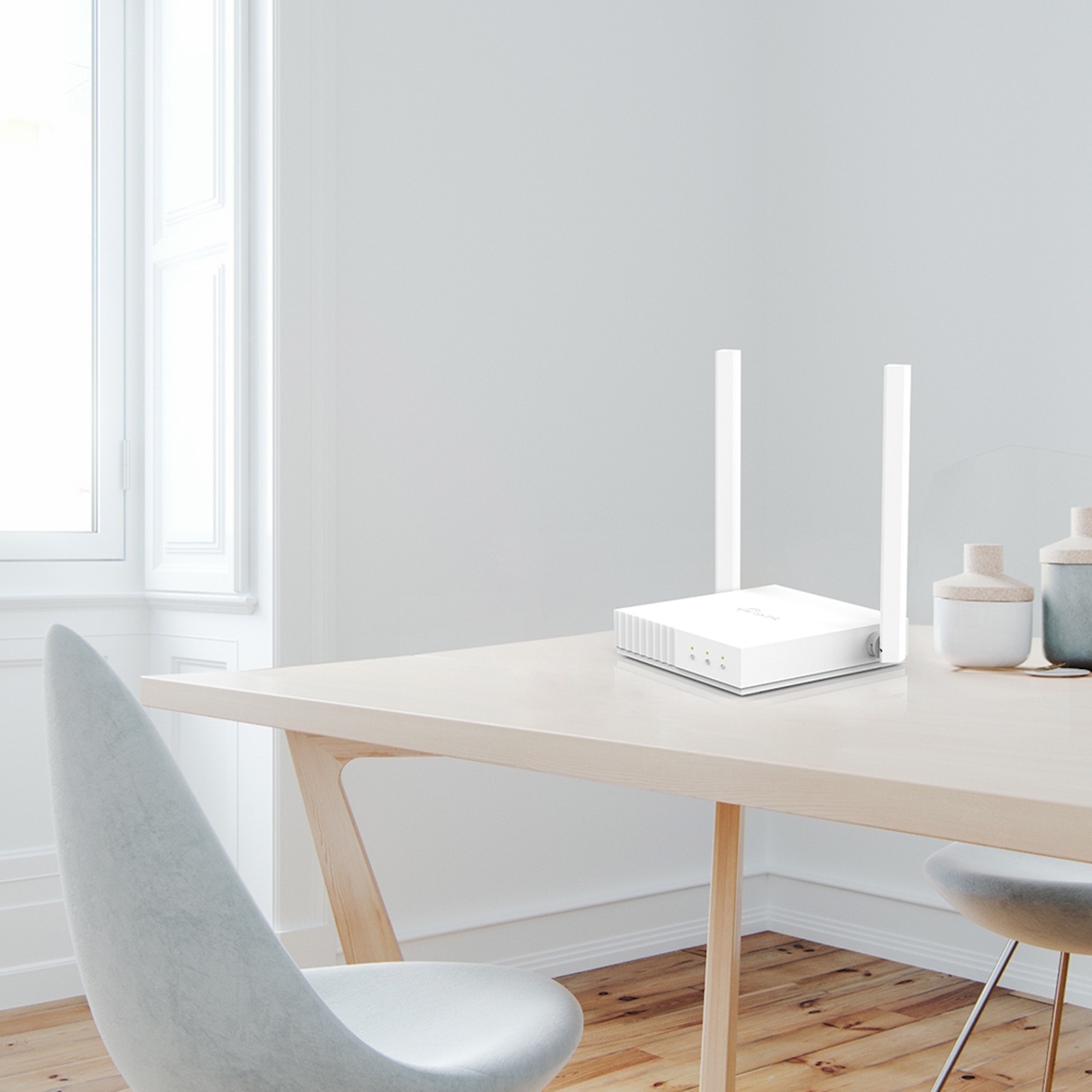
designed for everyday network use at home or in a small office. It offers multiple operating modes, easy management, and a stable 2.4 GHz signal with solid coverage.
Key Advantages
300 Mbps Wi-Fi speed → stable wireless connectivity for daily use
IEEE 802.11n Wi-Fi standard → improved data transmission efficiency compared to older b/g devices
2× 5 dBi antennas with 2×2 MIMO → stronger signal and wider coverage
Multi-Mode 4-in-1 → router, access point, range extender, and WISP modes
Parental Control → time and access management for connected devices
Guest Network → isolated access for visitors without access to the main network
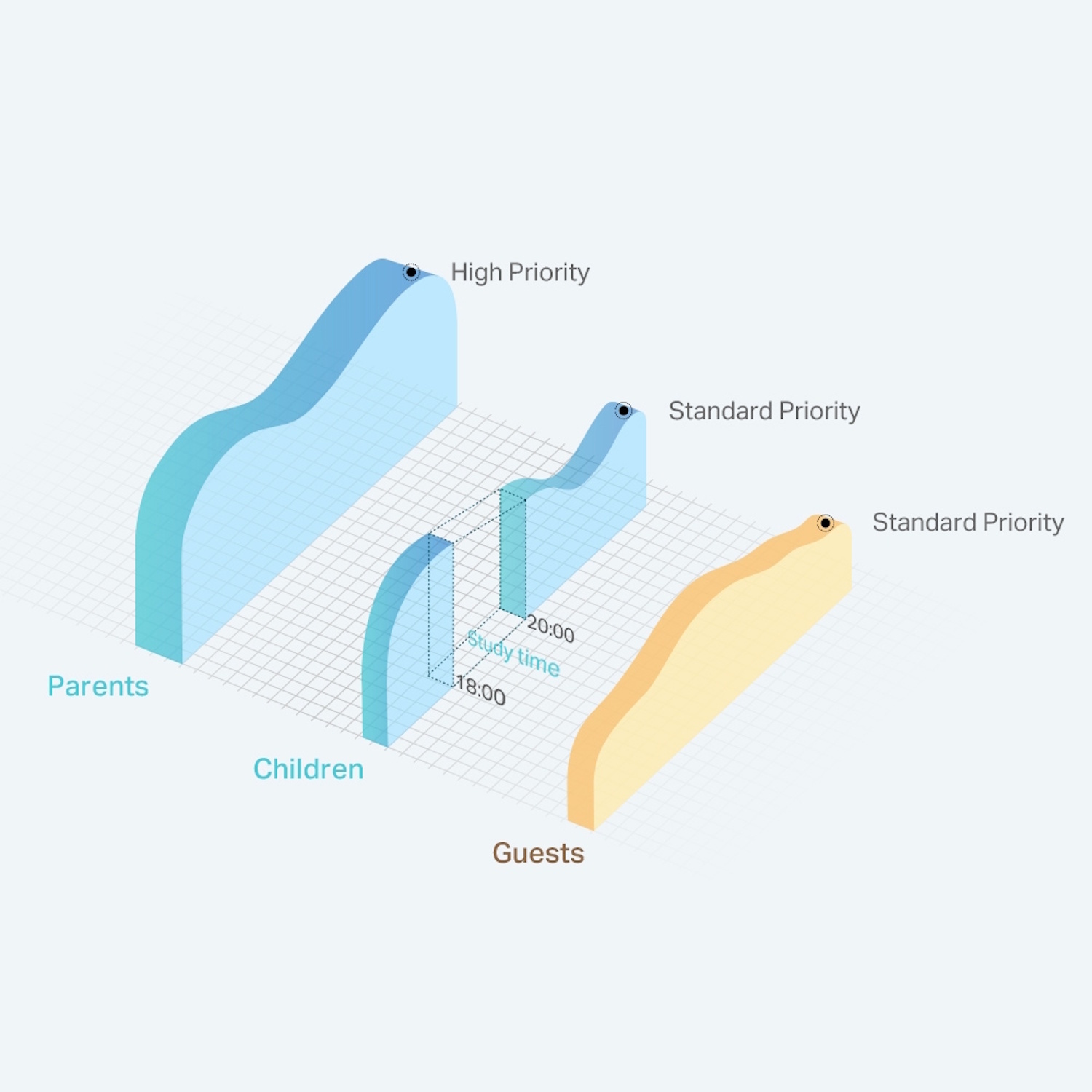
QoS support → device prioritization for network traffic management
IPv6 compatibility → ready for modern internet protocol usage
Technical Specifications
Type → wireless router (Wi-Fi 4 / N300)
Model → TL-WR844N
Wi-Fi standard → IEEE 802.11n/b/g (2.4 GHz)
Max wireless speed → ~300 Mbps @2.4 GHz (802.11n)
Antennas → 2× external omni-directional 5 dBi antennas (2×2 MIMO)
Ethernet → 1× 10/100 Mbps WAN, 4× 10/100 Mbps LAN (RJ-45)
Security → WEP, WPA, WPA2, WPA3 (support depends on firmware version)
Modes → Router, Access Point, Range Extender, WISP
Additional features → Parental Controls, Guest Network, QoS, IGMP Proxy/Snooping, VLAN
Power supply → 5 V ⎓ 0.6 A
Dimensions → ~115 × 106.7 × 24.3 mm
Color → black / white variants (region dependent)
Compatibility
Compatible with → Wi-Fi 4 (802.11n) and legacy Wi-Fi devices (phones, tablets, computers, smart devices)
Supports → IPv6 internet protocol
Not intended for → mobile SIM connectivity support
How to Use
Connect the internet cable (modem/ISP) to the WAN port
Plug in the power adapter and turn on the router
Use the TP-Link Tether app or web interface to set the Wi-Fi name (SSID) and password
Enable security encryption (WPA2/WPA3)
Connect devices wirelessly or via LAN ports
Why Choose It
TP-Link TL-WR844N is a practical and reliable Wi-Fi router for basic networking needs, combining simple setup, stable 2.4 GHz connectivity, and flexible operating modes. It supports HD video streaming, web browsing, and everyday usage, complemented by guest network and parental control features, making it an affordable solution for home or small office use.
Real-World Use Cases
Providing home Wi-Fi coverage for small to medium-sized apartments
HD video streaming and web browsing
Connecting IoT smart devices
Guest network access for isolated internet connectivity
Extending existing network coverage (AP / Range Extender mode)
Package Contents
TP-Link TL-WR844N router ×1
Power adapter ×1
RJ45 Ethernet cable ×1
Quick installation guide ×1
About the Brand
TP-Link is a global networking technology manufacturer offering affordable and reliable wireless routers with broad mode and security support, ensuring easy network management and stable connectivity at home or at work.